You've meticulously crafted your content, honed your camera presence, and perhaps even mastered the art of holding a conversation with yourself. But sometimes, even with a vibrant chat, your stream can feel like a one-way street. You know Twitch extensions promise to bridge that gap, to transform passive viewers into active participants, yet staring at the dizzying array in the Extensions Manager often leads to overwhelm rather than excitement.
This isn't just about adding another widget to your overlay. It's about thoughtfully integrating tools that genuinely elevate your stream's unique flavor, deepen viewer engagement, and ultimately, help you build a more connected community. This guide will help you cut through the noise and strategically leverage Twitch extensions to make your stream truly interactive.
The Strategic Edge of Twitch Extensions
Think of extensions not as optional add-ons, but as interactive canvases for your community. They bridge the gap between your content and your viewers' desire to influence, contribute, or simply have more fun. The goal isn't just "more stuff" on screen; it's about fostering participation, gamification, and unique connection points that chat alone can't always provide.
A well-chosen extension can:
- Amplify decision-making: Let viewers vote on game choices, build-outs, or even what you eat.
- Gamify the experience: Loyalty points, channel point redemptions, mini-games, or prediction markets add layers of competitive or collaborative fun.
- Provide unique information: Live schedules, interactive maps, or character stats can enrich the viewing experience without cluttering your main stream.
- Streamline moderation & support: Community-driven clips, polls for feedback, or even basic FAQ panels can offload some manual effort.
The key is alignment. Does the extension serve your content? Does it genuinely enhance the viewer's experience or just add visual noise? If you're a speedrunner, a custom timer or leader-board extension makes perfect sense. If you're an art streamer, a gallery showcase or a request queue might be invaluable. If it doesn't fit your niche, it’s probably not worth the screen real estate or mental overhead.
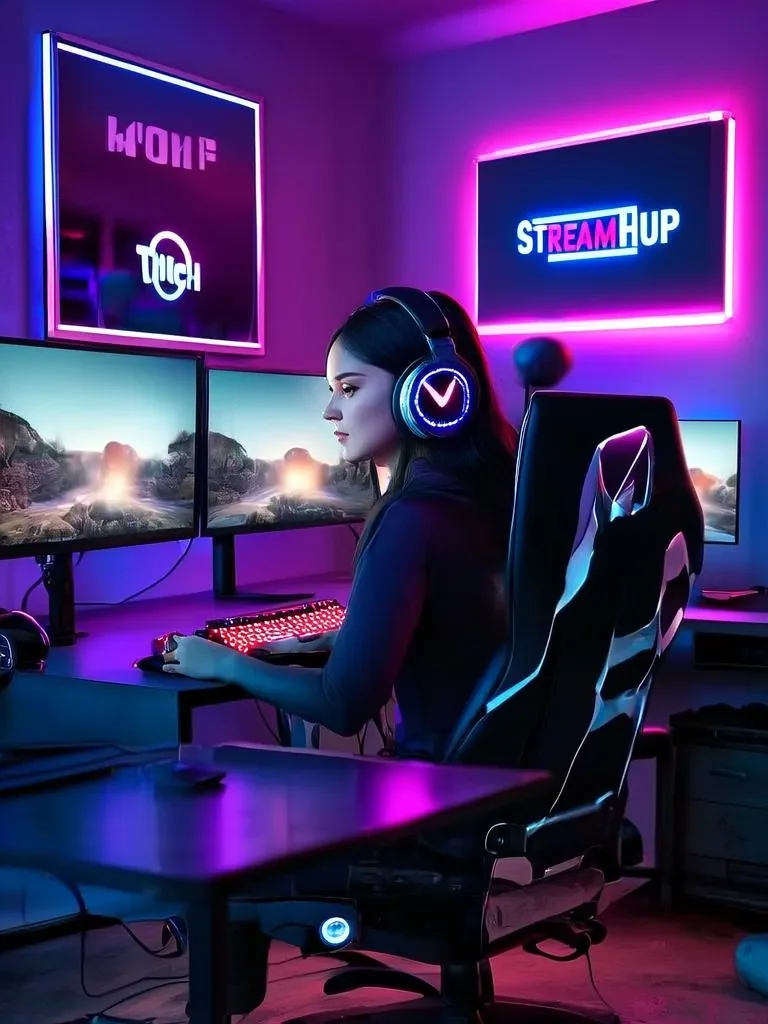
Practical Scenario: Engaging a New Game Launch
Imagine you're a streamer specializing in new indie game releases. You're about to dive into "Pixel Quest," a retro RPG with branching storylines and player-driven choices. Instead of just playing, you want your community to feel like co-adventurers.
- Decision-making: You install a simple Poll Extension. Every time you reach a critical story choice (e.g., "Go left or right?" "Attack or talk?"), you launch a poll. Viewers get 30 seconds to vote, and the stream follows their collective decision. This immediately makes them invested.
- Gamification: You add a Loyalty Point Extension (like Streamlabs Loyalty or similar). Viewers earn points just by watching. You set up a few custom redemptions: "Suggest a character name for 500 points," "Pick my next side quest for 1000 points," or "Force a 'no-damage' challenge for the next boss for 2500 points."
- Information & Lore: You activate a Panel Extension that displays a live quest log or character inventory, updated periodically by you via a dashboard. This helps new viewers catch up and existing ones stay immersed without needing to constantly ask in chat.
This integrated approach turns a solo playthrough into a collaborative adventure, driving engagement, increasing watch time, and creating memorable moments for everyone involved.
Finding Your Fit: A Decision Framework
Before you dive into the Extensions Manager, take a moment to consider what you actually need. Avoid the trap of "installing everything popular."
- Identify a Problem or Goal:
- Are viewers asking repetitive questions you could automate? (FAQ extension)
- Do you want to encourage more interaction beyond chat messages? (Polls, predictions, mini-games)
- Do you want to add a unique layer to your content? (Custom leaderboards, interactive maps, sound commands)
- Is there a specific game mechanic you want to highlight? (In-game overlays for specific titles)
- Align with Your Content & Brand:
- If you're a chill, casual streamer, do you need a high-octane prediction market?
- If your brand is minimalist, will a busy overlay extension detract from your aesthetic?
- Does the extension fit the type of games or activities you typically stream?
- Consider Viewer Benefit & Ease of Use:
- Is it intuitive for viewers to use? Will they understand how to participate without constant instruction?
- Does it offer genuine value to them, or is it just a novelty?
- Does it require viewers to link accounts or jump through hoops? (Simpler is often better).
- Assess Performance & Reliability:
- Does the extension have a good rating? Are there recent reviews?
- Is it actively maintained by the developer?
- Could it potentially impact your stream's performance or OBS? (Generally, most are client-side or server-side, but heavy use of certain video extensions might be a concern).
Start small. Pick one or two extensions that directly address your immediate goals, then evaluate their impact before adding more.
Integration & Impact: Making Extensions Work for You
Installing an extension is only the first step. To make it effective, you need to integrate it into your stream flow and actively encourage participation.
- Introduce It Clearly: Don't just activate an extension silently. Announce it on stream. Explain what it does and how viewers can use it. "Hey chat, I just added a new poll extension! We're going to vote on [X] in a minute, so look out for the pop-up or panel."
- Make it Visible & Accessible:
- Component Extensions: These appear as overlays. Position them thoughtfully so they don't cover crucial game elements or your face.
- Panel Extensions: These live below your stream. Mention them frequently. "Check out the new lore panel below the stream for character backstories!"
- Chat Extensions: These integrate directly with chat commands. Teach your community the commands.
- Actively Engage With It: Don't just set and forget. If you have a poll, discuss the results. If viewers use loyalty points for a redemption, acknowledge it. If there's a mini-game, participate or comment on the scores. Your enthusiasm is contagious.
- Promote It: Use your stream title, social media, or even a quick graphic during breaks to remind viewers about active extensions and how they enhance the experience.
Community Insights: Common Hurdles & Shared Wisdom
Across creator forums and discussions, a few recurring themes emerge when streamers talk about Twitch extensions:
- The Paradox of Choice: Many streamers feel overwhelmed by the sheer number of extensions available. It's tough to discern which ones are genuinely useful versus those that are just "gimmicks." The consensus is to focus on quality over quantity and to be highly selective.
- Performance Anxiety: A common concern is whether adding extensions will impact stream performance, especially for those with less powerful PCs or internet connections. While most extensions are client-side (viewer's browser) or server-side, some more intensive overlay extensions might theoretically add a minor load. Streamers often recommend testing one or two at a time and monitoring for any noticeable slowdowns.
- Discoverability and Promotion: Just because an extension is installed doesn't mean viewers will use it. Streamers frequently note the need to actively promote and explain extensions to their audience, especially panel extensions that aren't immediately visible. It takes consistent reminders.
- "Set It and Forget It" Pitfalls: There's a shared sentiment that extensions, particularly interactive ones, require ongoing management and integration into the stream's flow to remain relevant. An unused extension quickly becomes dead weight.
The takeaway is clear: be deliberate, test thoroughly, and actively involve your community in the process.
Keeping It Fresh: Periodic Review and Optimization
Twitch extensions aren't a static setup. Your community evolves, new features emerge, and your content might shift. A periodic review keeps your extensions relevant and effective.
- Monthly Check-in:
- Usage Analytics: Check the analytics provided by Twitch for your extensions. Are viewers interacting with them? Which ones are most popular?
- Viewer Feedback: Ask your chat directly. "How are you liking the [Extension Name]?" "Is there anything you'd like to see added or removed?"
- Relevance Check: Does each active extension still align with your current content and goals? If you've stopped playing a particular game, an extension tied to it might be obsolete.
- Seasonal/Quarterly Review:
- Explore New Options: Periodically browse the Extensions Manager for new or updated extensions that might better suit your evolving stream.
- Developer Updates: Check if your current extensions have received updates or new features that you could leverage.
- Remove Clutter: Deactivate or uninstall extensions that are no longer used or providing value. Less clutter often means better performance and a clearer focus.
- Technical Health:
- Ensure all extensions are updated to their latest versions, as this can often resolve bugs or performance issues.
- Check for any conflicts if you notice strange behavior on your stream after adding a new extension.
2026-05-06