Most streamers spend weeks agonizing over bitrates, overlays, and lighting, yet they frame their shots like they are setting up a grainy security camera. If you have ever felt like your audience is distracted or that you look "off" on screen, the problem is likely not your lens quality—it is your perspective. The camera angle is the primary bridge between your personality and your viewers. It dictates whether you appear as a peer, an authority, or an awkward observer in your own room.
The most common mistake is the "chin-up, camera-down" setup. Mounting a webcam on top of a monitor while sitting in a standard office chair forces you to look slightly upward, which creates an unflattering perspective of the neck and nostrils. To build an immediate, grounded connection with your audience, your lens should be at or just slightly above eye level.
{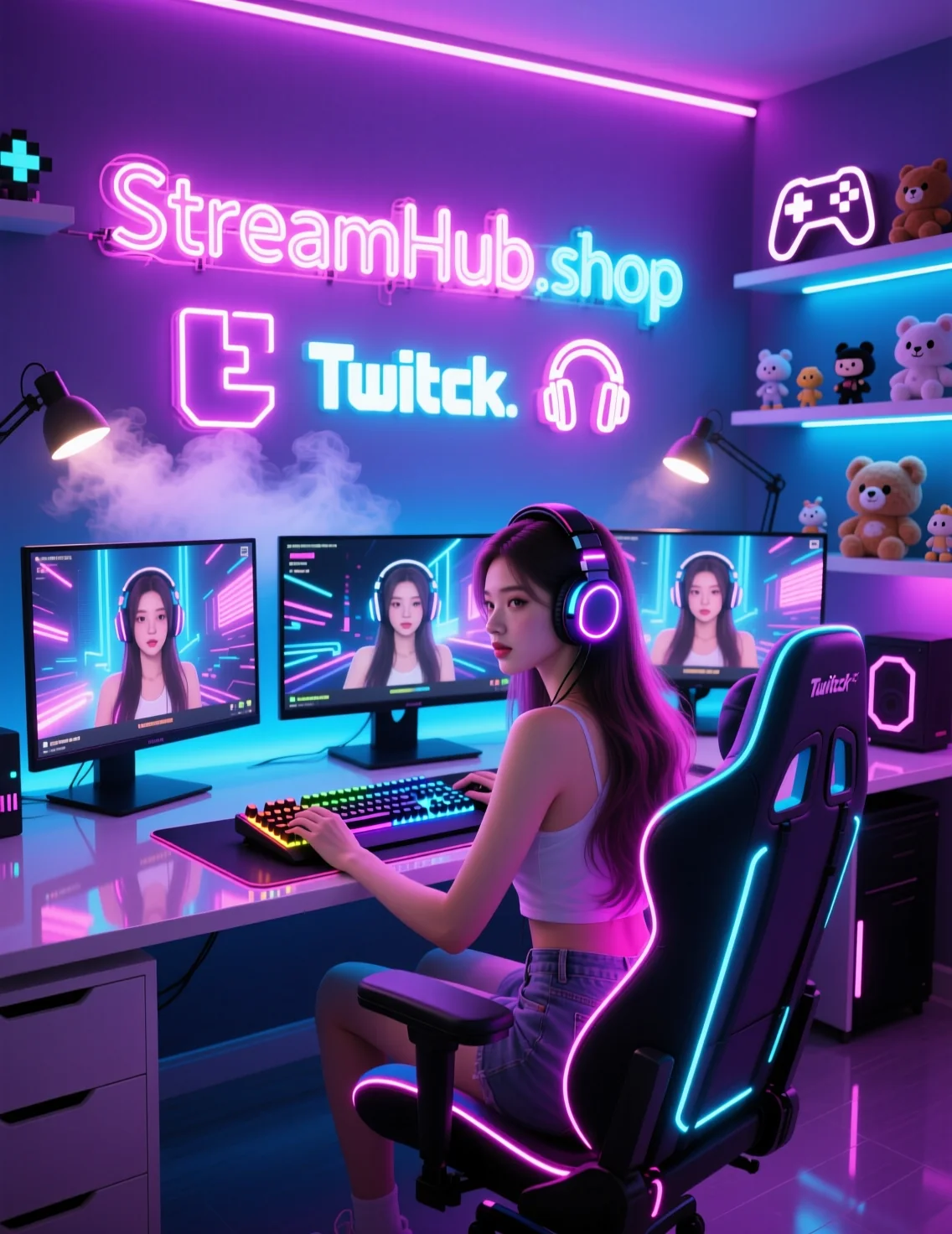 }
}
The Practical Geometry: Three Setup Scenarios
Finding your "flattering angle" is a matter of physical mechanics. Here is how to approach the three most common desk configurations:
- The Eye-Level Standard: If you are using a dedicated mirrorless camera or a high-end webcam on a tripod or desk mount, position it so the center of the lens is perfectly aligned with your pupils. This creates a sense of equality. It suggests you are talking to the viewer directly, not talking down to them or hiding behind your gear.
- The Dynamic Offset: If your desk space is cramped, do not force the camera directly behind your monitor. A 15-to-30-degree offset to the left or right can add depth to your shot. It makes the background look more three-dimensional rather than flat. Just remember to turn your chair slightly toward the lens so you aren't constantly craning your neck to stay in frame.
- The "Close-Talker" Correction: If your lens has a wide field of view, pulling the camera closer to your face and zooming in (if the software allows) reduces the "fish-eye" distortion that makes noses look larger and shoulders look smaller. This keeps the focus on your expressions rather than the edges of your room.
Case Study: The "Slouch" Fix
Consider a creator who spends six hours a day streaming while hunched over a keyboard. Because their camera is mounted on a monitor riser, they look perpetually tired and disconnected. By simply adjusting their arm mount to be six inches lower and angling the lens upward by five degrees, they aligned the camera with their natural, slightly slouched gaze. The result? The audience perception shifted from seeing a "bored gamer" to seeing someone "engaged in the action," simply because the eye contact felt more natural.
Community Pulse: The Recurring Lens Debate
Creator forums frequently highlight a shared frustration: the trade-off between "professional framing" and "ergonomic comfort." Many streamers complain that the most visually appealing camera angles often force them into physically uncomfortable positions. The consensus among those who have found a balance is to prioritize physical health first. If a specific angle forces you to hunch, you will eventually burn out or develop posture issues. The current best practice is to adjust your equipment to fit your natural sitting posture—not to adjust your body to fit the camera.
Checklist: Your Frame Audit
Before you hit the "Go Live" button, run through this quick physical check:
- The Pupil Test: Is the center of your lens level with your eyes? If you are looking up, your mount is too low. If you are looking down, it is too high.
- The Margin Check: Do you have "headroom"? You want just enough space above your head to not feel cramped, but not so much that you look small in the frame. A good rule of thumb is three fingers of width between the top of your hair and the edge of the frame.
- The Distraction Sweep: Look at your monitor's preview. Is there a stray wire or a pile of laundry visible? A clean angle is wasted if the background is cluttered.
Maintenance: When to Re-evaluate
Your setup is not a static installation. Re-check your angles every time you change your desk layout, upgrade your lighting, or buy a new chair. A change in seat height alone can ruin a perfectly calibrated camera angle. Every three months, take a static photo of your setup from the viewer's perspective. If you look smaller, more tired, or less present than you did in previous months, it is time to recalibrate your mount. For those looking for hardware to stabilize these adjustments, resources like streamhub.shop can provide the mounting hardware necessary to keep your angles consistent.
2026-06-06