You've built your stream around a familiar 16:9 canvas, engaging viewers with your gameplay, art, or commentary. But now, you're seeing your favorite platforms, TikTok and YouTube, pushing vertical video harder than ever. Your feed is full of short, punchy, 9:16 content, and live streams in that format are gaining traction. The question isn't just if you should try vertical live streaming, but how you can adapt your established format and workflow without completely rebuilding your brand or splitting your focus beyond repair.
This isn't about ditching your main horizontal stream; it's about strategically extending your reach to audiences who primarily consume content on their phones, held vertically. It requires a thoughtful shift in perspective, both creatively and technically. Let's unpack how to make that adaptation work for you.
Rethinking Your Visuals: Framing for the 9:16 Canvas
The most immediate and significant change when moving to vertical live is composition. Your old 16:9 frame had a wide expanse; 9:16 is tall and narrow. This isn't just cropping; it's a fundamental shift in how you present yourself and your content.
Focus on the Core Subject: In a vertical frame, there's less peripheral vision. Your face, the key action, or the central part of your demonstration needs to occupy the prime real estate. If you're a talker, your face should fill a good portion of the upper half. If you're demonstrating a product, ensure the product itself is centered and large enough to be clear. Wide shots rarely translate well; think close-ups.
Text and Overlays: Your stream overlays designed for 16:9 will likely look cluttered or be cut off in 9:16. Simplify. Use minimal text, larger fonts, and place them strategically in areas less likely to be obscured by platform UI (comments, like buttons, etc.). Often, the very top and bottom strips, as well as the far left/right edges, are safer for minimal, key information like your handle or a call to action, but always test on a real device. Avoid placing crucial information too close to the screen's edges or where platform overlays typically appear.
Background & Environment: With less width, your background becomes less of a stage and more of a backdrop. Minimize distractions. A clean, well-lit wall or a simple setup often works better than a busy game room that looks cramped when cropped.
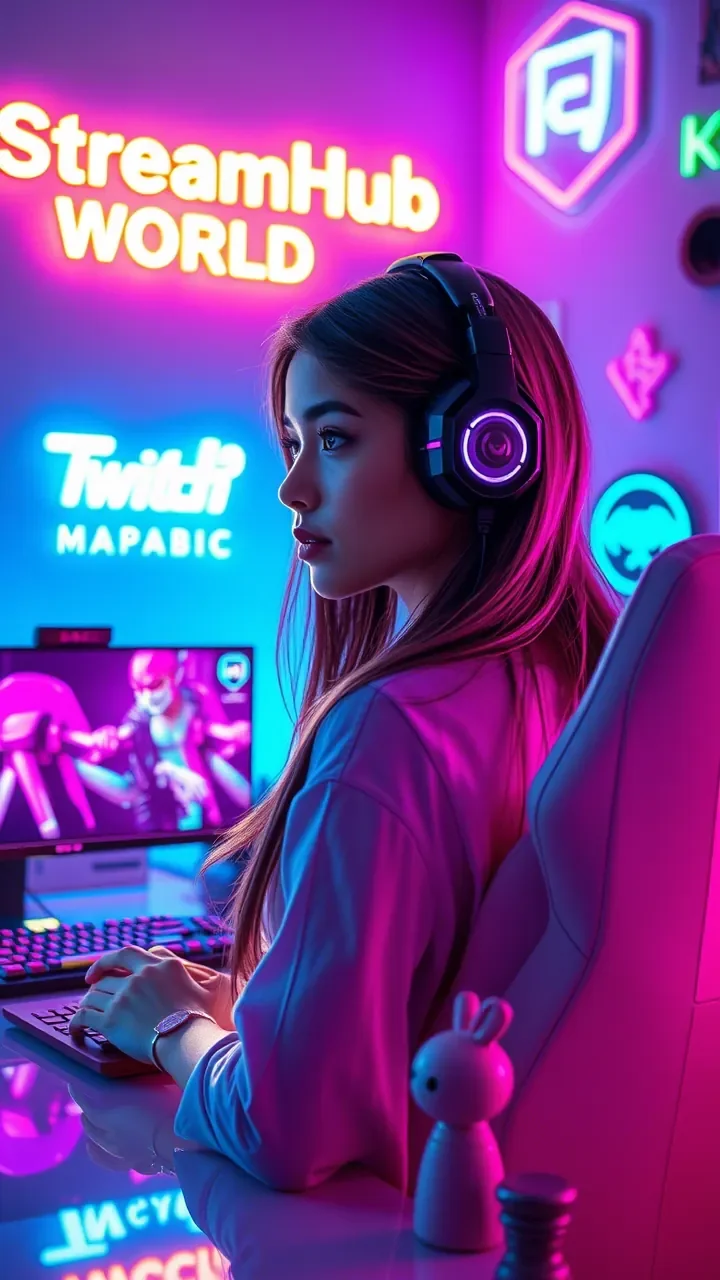
Technical Adaptations: Gear & Software for Vertical Streams
Adapting technically involves a mix of hardware adjustment and software configuration. It's often less daunting than it seems.
Camera Setup & Orientation
- Physical Rotation: The most straightforward approach is to physically rotate your webcam or DSLR/mirrorless camera 90 degrees. Many webcams have flexible mounts that allow this. For larger cameras, you might need an L-bracket or a specialized vertical camera mount to secure it to your tripod.
- Framing & Lens Choice: Once rotated, re-evaluate your distance and lens choice. You might need to move closer or use a wider lens to capture the same amount of vertical space that felt natural horizontally.
- Lighting: Your lighting setup might also need adjustment. If you're using key lights from the side, they might now cast shadows differently or light one side of your face more intensely. Re-position them to suit the new orientation, often aiming for more frontal or slightly off-center lighting.
OBS/Streamlabs Configuration
Most streaming software can output in a vertical aspect ratio. Here’s a quick guide:
- Base (Canvas) Resolution: In OBS Studio (Settings > Video), set your Base (Canvas) Resolution to a vertical aspect, e.g., 1080x1920 (for a 1080p equivalent) or 720x1280. This is the "canvas" you're working with.
- Output (Scaled) Resolution: Match this to your Base Resolution or choose a slightly lower vertical resolution if your internet or CPU struggles (e.g., 720x1280).
- Source Adjustments:
- Webcam: Your webcam source will likely appear rotated or squished. Right-click the source, go to "Transform" > "Rotate 90 degrees CW" (or CCW, depending on your camera's rotation). Then, rescale and reposition it to fit the 9:16 canvas.
- Game/Screen Capture: This is where it gets tricky for gaming. If you're sharing a horizontal game, you'll need to decide how to present it. You can crop it significantly, leaving only the most crucial central action, or scale it down to fit within a smaller section of the vertical frame (e.g., in the bottom half with your face above).
- Overlays & Alerts: Recreate or adapt your overlays for the vertical canvas. This often means simplifying them drastically or having a dedicated "vertical stream" overlay scene.
- Dedicated Profile/Scene Collection: To avoid constantly reconfiguring, create a separate OBS Profile and Scene Collection specifically for your vertical streams. This allows you to switch between horizontal and vertical setups with ease.
Audio Considerations
Audio rarely changes between horizontal and vertical streams from a technical standpoint (microphone, processing). However, the *context* of vertical streams often means viewers are on mobile, sometimes without headphones. Ensure your audio is clear, free of background noise, and well-balanced. Avoid sudden loud noises, as they can be jarring on small phone speakers.
Engagement in the Scroll: Strategies for Vertical Audiences
Vertical live streams, especially on platforms like TikTok, are often discovered through endless scrolling. This means you have mere seconds to hook a new viewer. Your engagement strategy needs to be faster, more direct, and more dynamic.
High-Energy Openings: Don't wait for people to join. Start with energy, a clear statement of what you're doing, or an immediate question. "Hey everyone, we're building a miniature spaceship right now, come hang out!"
Direct Eye Contact & Interaction: Look directly into your camera. A vertical stream often feels more intimate, like a direct video call. Acknowledge comments quickly, even if it's just a wave or a nod. The fast-paced nature means if you don't engage, a viewer might scroll past instantly.
Keep It Moving (Literally): If you're demonstrating something, keep your hands in frame. If you're talking, use expressive gestures. Stagnant visuals are a scroll-trigger. If there's a lull, ask a question, show something new, or react to a comment.
Clear Calls to Action: Encourage likes, shares, follows, and questions directly. "If you're enjoying this, tap that heart button!" or "Drop your questions in the chat, I'm here to answer!"
What This Looks Like in Practice: A Digital Artist's Vertical Stream
Imagine "Aura," a digital artist who usually streams her complex landscape paintings in 16:9 on Twitch. She wants to tap into TikTok's live audience.
- Horizontal Setup: Dual monitors, pen tablet, facecam in corner, full canvas visible.
- Vertical Adaptation:
- Camera: Aura rotates her webcam 90 degrees and moves it closer, so her face fills the top third of the 9:16 frame.
- Content: Instead of showing the entire canvas, she focuses her OBS capture on a specific, active section of her painting—a detailed tree, a shimmering reflection. She might zoom in and out of this area, keeping the action central.
- Interaction: She has a simple, clean overlay at the very top for her name and a "Follow for daily art tips!" call to action. Her primary focus is engaging the chat, describing her technique in bite-sized explanations, and doing quick Q&A sessions about brushes or software, rather than long, deep dives.
- Flow: She might start a vertical stream with a quick "Welcome! I'm adding final details to this forest scene – what's your favorite part of a fantasy landscape?" to immediately invite interaction.
Community Pulse: Creators Weigh In on the Vertical Shift
The creator community is actively discussing the merits and challenges of vertical live streaming. A common thread of concern revolves around the fragmentation of effort. Many streamers express apprehension about maintaining two distinct setups and content styles, fearing it will dilute their main stream or burn them out. There's also a significant question about audience migration: will existing horizontal viewers follow to a vertical format, or is it purely for attracting new, mobile-first audiences?
Some creators report initial struggles with framing and making horizontal content fit a vertical screen without looking awkward or losing crucial information. The learning curve for adapting overlays and scene layouts in OBS/Streamlabs for a completely different aspect ratio is also a frequent topic. However, those who have successfully made the leap often highlight the unique discoverability vertical live offers, especially on platforms like TikTok, leading to an influx of new followers who might then cross over to longer-form horizontal content.
Your Vertical Live Checklist & Ongoing Review
Before, during, and after your vertical live streams, a systematic approach will help you refine your strategy.
Pre-Stream Checklist:
Camera Orientation: Is your camera physically rotated 90 degrees and securely mounted?
OBS/Streamlabs Profile: Are you using your dedicated vertical streaming profile/scene collection?
Resolution Settings: Are your Base (Canvas) and Output resolutions set to a vertical aspect (e.g., 1080x1920)?
Source Positioning: Are your webcam, game capture (if applicable), and any other sources correctly rotated, scaled, and positioned for the 9:16 frame?
Overlay Simplicity: Is your vertical overlay clean, readable, and free from elements that will be cut off or obscured by platform UI?
Lighting Check: Is your lighting adjusted for the new camera orientation, ensuring you're well-lit?
Microphone Check: Is your audio clear, consistent, and free from unwanted noise?
Content Plan: Do you have a clear, high-energy opening and a plan for quick, engaging interactions?
What to Review Next:
- Platform Analytics: After your first few vertical streams, dive into the analytics provided by TikTok, YouTube, or whichever platform you're using. Look at viewer retention, engagement rates (likes, comments, shares), and audience demographics. Is this audience different from your horizontal viewers?
- Viewer Feedback: Pay attention to comments and direct messages. Are people asking about your setup? Are they enjoying the format? Are there common complaints about clarity or framing?
- Cross-Promotion Strategy: Are you effectively funneling vertical live viewers to your longer-form horizontal content (and vice-versa)? Experiment with different calls to action or mentions.
- Content Experimentation: Don't be afraid to try different types of vertical content. A quick Q&A, a mini-tutorial, a behind-the-scenes glimpse – what resonates best with this audience?
- Platform Updates: Vertical live streaming is still evolving. Platforms frequently update features, UI elements, and best practices. Stay tuned to official creator guides and community discussions to adapt your strategy as new tools and trends emerge. This space moves fast.
2026-05-20