Navigating the First Steps: Growing Your Twitch Channel from Zero
Starting a Twitch channel feels like opening a door into a bustling city. There’s so much going on, and it’s easy to feel overwhelmed. You've got your game, your mic, and your enthusiasm, but what are the foundational steps to actually get people to watch? This guide focuses on the absolute essentials for new streamers looking to build an initial audience, rather than trying to cover every single growth hack under the sun.
Finding Your Niche and First Viewers
The biggest hurdle for new streamers is discoverability. You’re not going to be at the top of category lists. Your initial audience will likely come from people actively browsing categories with very few streamers, or from friends and existing communities. This means you need to be strategic about *where* you stream and *what* you stream, at least initially.
Consider streaming games that have a decent viewership but a relatively low number of active streamers. This "sweet spot" increases your chances of being noticed. For example, instead of streaming the latest AAA title with thousands of streamers, pick a popular indie game or an older, beloved title that still has a dedicated following. Your goal isn't necessarily to be the biggest streamer, but to be a visible streamer in a relevant community.
What this looks like in practice: Let’s say you love playing simulation games. Instead of jumping into Euro Truck Simulator 2, which has many large streamers, you might find a more niche sim like Satisfactory or Factorio during off-peak hours. You’ll be more likely to catch the eye of someone scrolling through those specific categories.
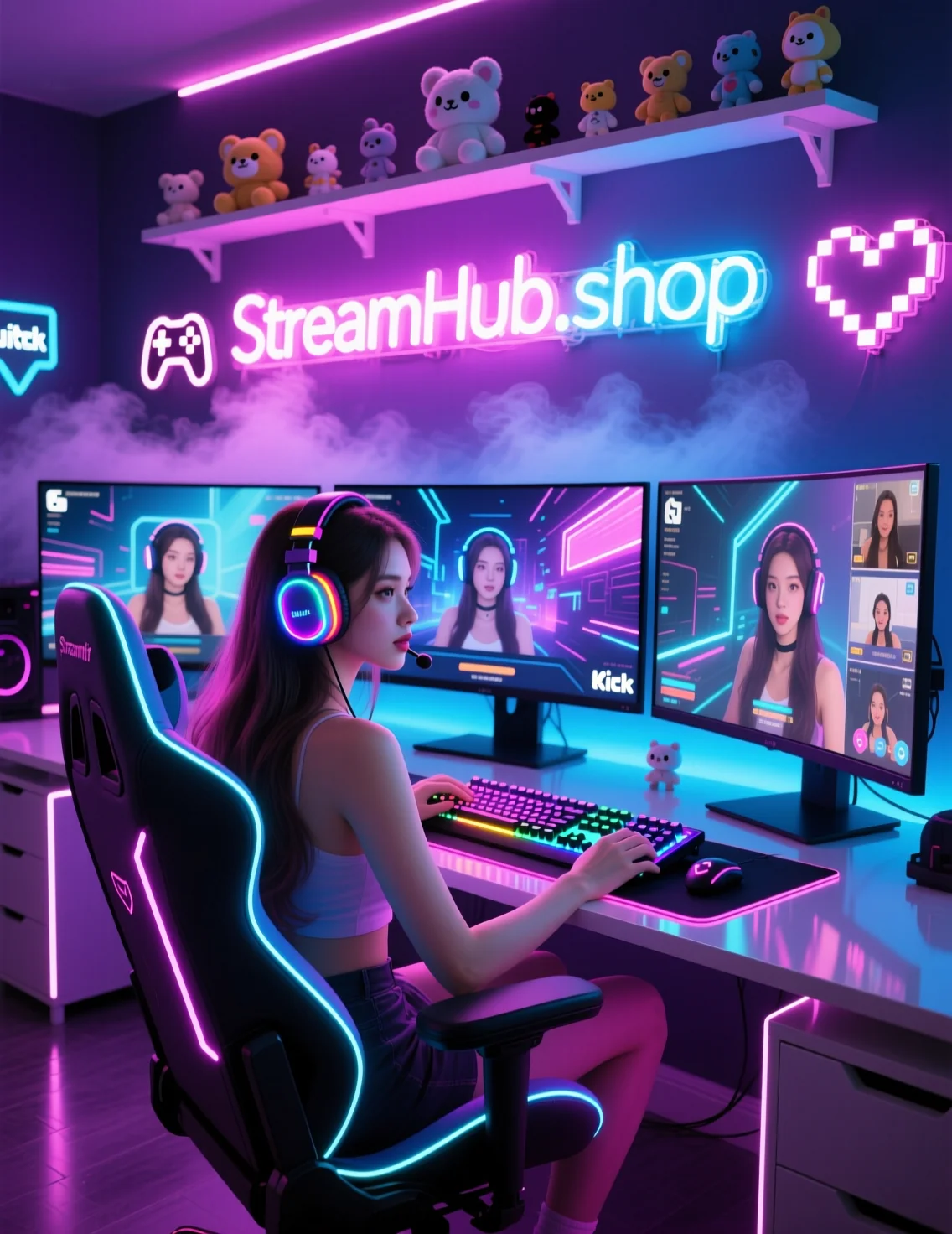
The Importance of a Welcoming Stream Environment
Once someone stumbles upon your stream, what makes them stay? It’s a combination of your personality, your content, and the technical quality of your stream. For new streamers, focusing on a few key technical aspects can make a significant difference in perceived professionalism and viewer comfort.
Audio is paramount. Viewers will tolerate mediocre video quality for a while, but bad audio will drive them away instantly. Invest in a decent microphone. You don't need a professional studio setup, but avoid using your webcam's built-in microphone or basic headset mics if possible. Test your audio levels to ensure you're not too loud or too quiet, and there's no distracting background noise.
Visual clarity is next. A clean, well-lit space makes a huge difference. This doesn't mean you need expensive studio lights. A well-positioned desk lamp and natural light can be surprisingly effective. If you're using a webcam, consider simple lighting solutions. One creator mentioned:
"For a webcam use a ring that has a larger diameter - there will be more light from the sides and not so much directly from the front. Be careful about wearing glasses - a problem for lights in webcams."
Others prefer indirect lighting:
"I personally just dislike ring lights and try to bounce light off of my wall. You literally are shining a light into eyes for an extended period of time."
A common recommendation is placing your main light (key light) about 45 degrees to the side of your face, pointing towards you. This creates dimension and avoids a flat, washed-out look. Experimenting with positioning is key.
Community Pulse: The "Where Do I Find People?" Dilemma
A recurring concern among new streamers revolves around building that initial community. Many feel like they're shouting into the void. The sentiment is often: "I stream, but no one comes. How do I get my first regulars?"
This echoes the point about discoverability. Many creators find their first viewers not through Twitch's browse pages, but through other platforms. Engaging genuinely in Discord servers related to the games you play, participating in relevant subreddits, or even creating short-form content (like TikToks or YouTube Shorts) that showcases your personality and streams can draw people to your Twitch channel. It’s about being part of a community first, and promoting your stream secondarily. Think of it as building bridges before you expect traffic.
Your First Steps Checklist
Ready to get started or refine your initial setup? Here’s a quick rundown:
- Game Selection: Identify 1-3 games that are popular enough to have viewers but not so saturated that you'll be buried.
- Audio Check: Test your microphone. Is your voice clear? Are there distracting background noises? Is the volume appropriate?
- Visual Lighting: Set up at least one light source to illuminate your face. Experiment with placement (e.g., 45-degree angle) for a more professional look. Ensure your background is tidy.
- Basic Overlays: Consider simple overlays for alerts (new follower, subscriber) and a webcam frame. Keep it clean and unobtrusive.
- Stream Schedule (Even Loosely): Try to stream at consistent times, even if it's just 2-3 times a week. This helps potential viewers know when to find you.
- Engagement Practice: Even with zero viewers, practice talking! Narrate your gameplay, explain your decisions, and imagine you're talking to an audience. This will make you much more engaging when people do arrive.
What to Review Next
Your first few weeks and months on Twitch are about establishing a baseline and getting comfortable. Once you've got a consistent stream going and are seeing a few familiar faces, you can start to think about:
- Improving Stream Quality: Upgrading your webcam, microphone, or exploring more advanced lighting setups.
- Content Diversification: Trying new games or content types.
- Community Building Tools: Setting up Discord channels, interactive bots, and developing community rituals.
- Networking: Collaborating with other streamers.
2026-05-04