Why Your Stream Avatar Is More Than Just A Digital Mask
You have likely reached a point where your static webcam feed feels static in more ways than one. If your audience is struggling to connect with your commentary during intense gameplay or long-form discussions, you are probably considering an avatar. This isn't just about hiding your face; it is about creating a visual shorthand for your personality. The goal is to move from being a "talking head" to becoming a character that exists in the same space as your content.
The most common mistake creators make is treating an avatar as a static asset—a PNG stuck in a corner. A truly effective avatar functions as an extension of your body language. If your avatar doesn't mirror your genuine reactions—or at least offer a stylized version of them—the audience will feel the disconnect within minutes.
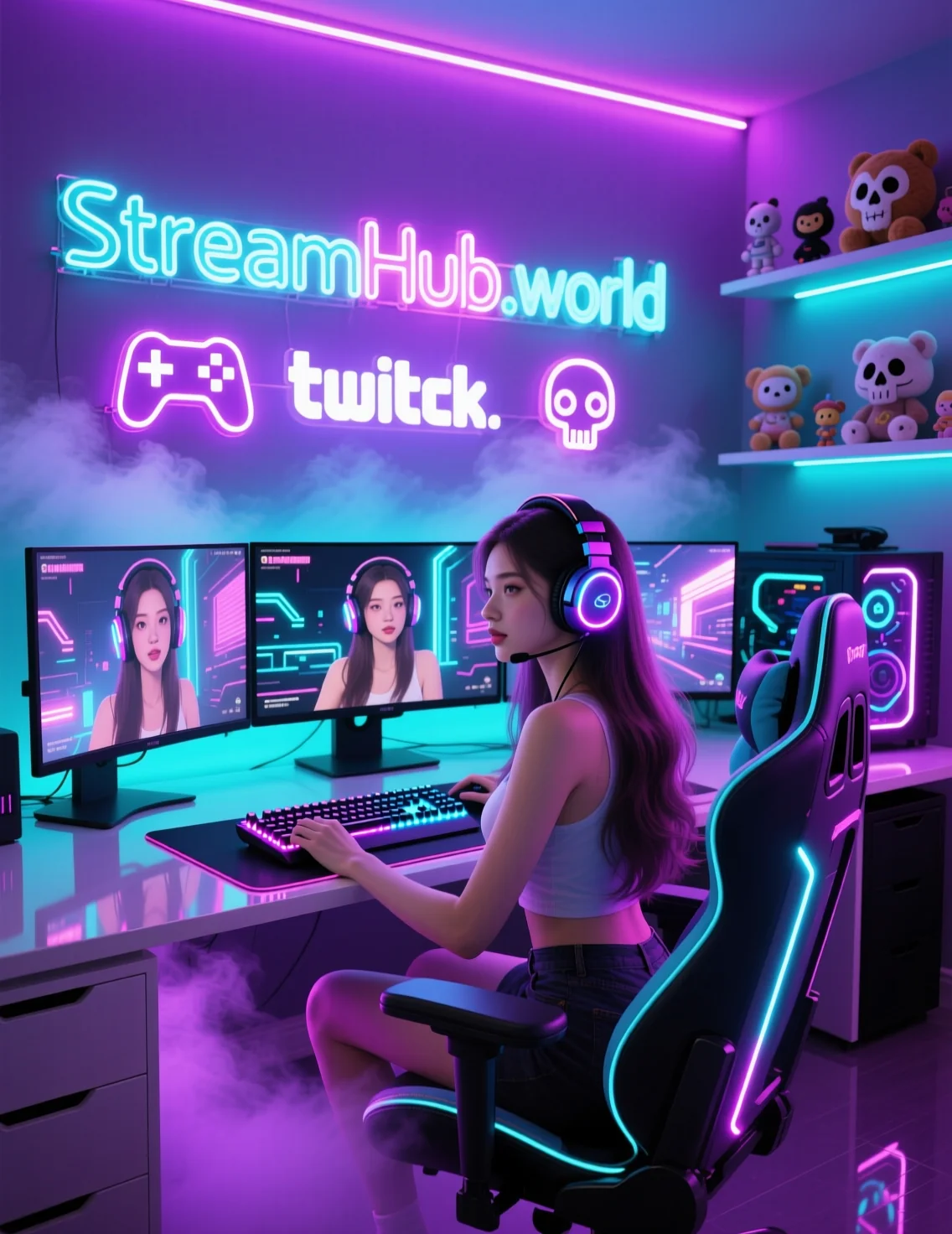
Defining Your Presence: The "Personality Proxy" Framework
Before you invest in a custom model, define your "Personality Proxy." Are you using an avatar to maintain privacy, or to enhance your brand identity? If you are a high-energy variety streamer, your avatar needs to handle expressive, exaggerated movements. If you are a calm, analytical creator, a minimalist, low-key avatar will actually be more jarring if it is too animated.
Ask yourself these three questions before picking your technology stack:
- Can I stay consistent? If you use an avatar for two streams and then go back to a webcam for a week, you confuse your audience's visual memory. Commitment is part of the branding.
- Does it match the game's tone? Using a hyper-stylized anime model while playing a gritty, realistic military sim creates a clash. Some streamers lean into this contrast for irony, but ensure that is an intentional design choice, not a lack of forethought.
- How much latency can I afford? If your avatar rendering software causes frame drops in your game, the interactivity is dead on arrival. If you are running on a single-PC setup, prioritize performance over complex physics.
The Practical Reality: A Mini-Case Study
Consider a streamer who focuses on retro gaming commentary. They initially tried using a high-fidelity 3D model that required significant GPU resources. During heavy emulation, the avatar would stutter, causing the stream to feel cheap and broken. By switching to a 2D "Live2D" model with fewer moving parts—but a wider range of pre-set expressions triggered by hotkeys—they achieved a more reliable result.
The lesson here is simple: Reliability trumps fidelity every time. An avatar that moves smoothly at 60fps is infinitely better than a "perfect" model that jitters and lags every time you open a menu in-game.
Community Pulse: The Current Sentiment
In creator spaces, there is a recurring tension between "innovation fatigue" and "audience expectation." Many streamers express frustration that they feel pressured to adopt avatars simply because the "market" is moving that way. The consensus among successful creators is that you should only adopt an avatar if it solves a specific problem—such as anxiety, privacy needs, or the desire to create a cohesive brand mascot.
There is also a growing concern about "Uncanny Valley" fatigue. Viewers are becoming more sensitive to models with stiff, unnatural mouth movements or eyes that don't track correctly. Creators are increasingly advised to lean into stylized, non-human, or abstract avatars rather than trying to replicate realistic human faces, which often fail to convey warmth.
Ongoing Maintenance: The "Avatar Audit"
An avatar is a living project, not a one-time setup. Once every three months, perform an "Avatar Audit" to ensure your setup is still serving you:
- Input Check: Are your tracking markers still calibrated correctly? Even minor shifts in your lighting or seating position can drift your tracking data.
- Visual Refresh: Have you updated your outfit or accessories to match current seasonal content or special events? Small, subtle changes keep the model feeling "alive."
- Hotkey Cleanup: Are you actually using all those expressions you mapped six months ago? Delete the ones that clutter your workflow and add ones that reflect your current catchphrases or habits.
For those looking to integrate professional-grade hardware or accessories that enhance the physicality of these setups, resources like streamhub.shop can help bridge the gap between amateur rigs and polished, reliable stream environments.
2026-05-29