2026-04-16
So, you're deep into streaming and hitting a wall. Your games are running fine, but your stream quality is lagging, or maybe your encoder is choking every time a complex scene pops up. The question looms: Is it time to upgrade your hardware, and specifically, should you go for a dual PC setup?
It's a common crossroads. For many, the single PC setup is the entry point – powerful enough to game and stream simultaneously. But as demands increase, so does the strain on that single machine. Let's break down whether a dual PC setup is the magic bullet, or if there are smarter ways to achieve that professional stream quality.
The Single PC Streamer's Dilemma
The allure of a single PC is simplicity and cost. One machine handles everything: running your game, capturing your webcam and mic, encoding the video feed, and sending it off to Twitch, YouTube, or wherever you stream. When it works, it’s elegant. Your setup is less cluttered, and you’re not managing two separate systems.
However, this efficiency comes at a cost. Gaming, especially modern AAA titles, is incredibly CPU and GPU intensive. Streaming encoding, particularly at higher resolutions and frame rates (like 1080p 60fps), also demands significant processing power. When you ask one PC to do both at its peak, something’s got to give. Often, it’s the game performance that suffers (stuttering, lower frame rates) or the stream quality itself (pixelation, dropped frames, audio desync) because the encoder can't keep up.
This is where the idea of offloading the streaming workload to a second, dedicated machine takes root.
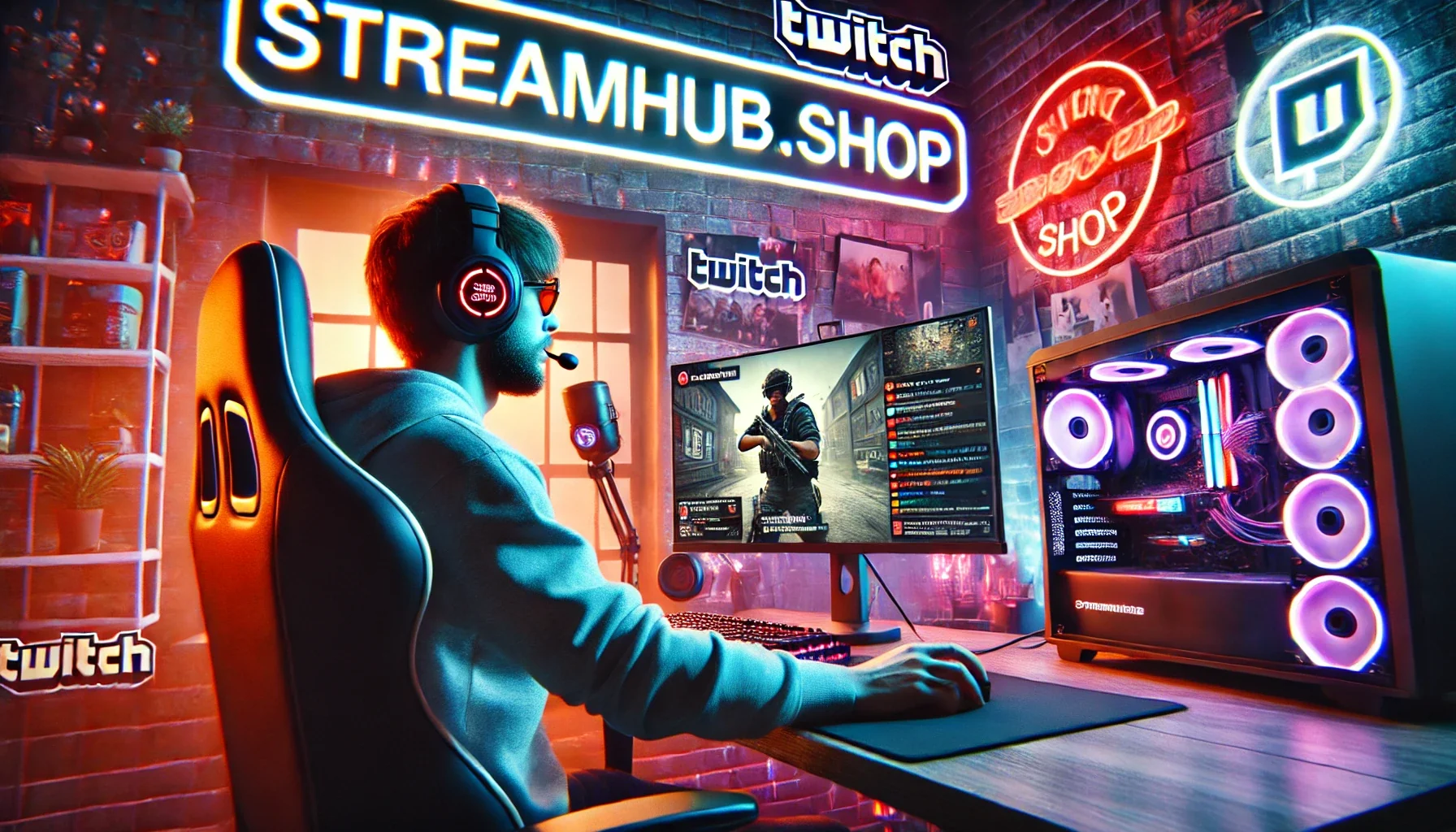
Dual PC: The Dedicated Workhorse
A dual PC setup involves using one computer for gaming (the "gaming PC") and a second, often less powerful but still capable, computer for encoding and managing your stream (the "streaming PC"). The gaming PC focuses solely on delivering the smoothest possible gameplay. It then sends its video and audio output to the streaming PC, which handles all the OBS/Streamlabs magic – adding overlays, alerts, managing scenes, and encoding the final stream to send out.
Pros:
- Maximized Game Performance: Your gaming PC is free from the burden of encoding, leading to more stable frame rates and overall better gameplay responsiveness.
- Superior Stream Quality: The dedicated streaming PC can allocate all its resources to encoding, allowing for higher-quality streams with fewer dropped frames, even during intense gaming moments.
- Flexibility and Customization: You can use the streaming PC for other content creation tasks like video editing or managing social media without impacting your live broadcast.
- Reduced System Strain: Less wear and tear on a single, overworked machine.
Cons:
- Higher Cost: You're essentially buying a second computer, which is a significant investment.
- Increased Complexity: Managing two PCs, ensuring they communicate effectively, and troubleshooting issues across both systems can be a steep learning curve.
- More Peripherals: You’ll need a second monitor, keyboard, and mouse (or a KVM switch), adding to desk clutter and setup cost.
- Cabling and Connectivity: Ensuring a stable connection between the two PCs for video and audio is crucial and can involve specific hardware like capture cards.
When Does Dual PC Make Sense?
This setup isn't for everyone. It’s most beneficial for streamers who:
- Play demanding, high-fidelity games where every frame counts.
- Are serious about producing broadcast-quality streams (e.g., 1080p 60fps with high bitrates).
- Experience significant performance drops on their single PC when trying to stream.
- Have the budget and technical inclination to manage a more complex setup.
For example, imagine Sarah, a competitive Valorant player. She uses a high-end gaming PC but notices her stream stutters during intense firefights, causing her viewers to miss crucial moments. Her current single PC setup can’t maintain both peak game performance and a flawless 1080p 60fps stream simultaneously. Investing in a mid-range second PC to handle encoding, connected via a capture card, would allow her gaming PC to focus entirely on delivering smooth gameplay, while the streaming PC ensures her audience sees every flick of her wrist with crystal clarity.
The Community Pulse: Overload and Alternatives
Across creator forums and communities, the conversation around dual PC setups often centers on the perceived necessity and the actual complexity. Many creators express a desire for the *idea* of a dual PC setup – the ultimate in stream quality – but are quickly daunted by the cost and technical hurdles. There's a recurring pattern of users asking, "Is a dual PC *really* necessary for me, or can I get better results by optimizing my single PC?"
This leads to a lot of discussion about alternative solutions: upgrading the single PC's CPU or GPU, investing in a faster NVMe SSD for quicker loading, or meticulously optimizing OBS settings (like using the NVENC encoder on NVIDIA GPUs, which is less taxing than x264). The consensus among those who have navigated this is that a well-specced single PC, configured correctly, can often suffice for a long time, especially if the streamer isn't pushing the absolute bleeding edge of game and stream demands.
Making the Decision: Single vs. Dual Checklist
Before you invest in a second PC, run through these points. Be honest with yourself about your current situation and your goals.
- Analyze Your Current Performance: Are you *actually* experiencing unacceptable stream quality issues or game performance drops *because* of your streaming load? Record some gameplay and stream sessions and review the raw footage and stream analytics.
- Assess Your Game Demands: What games are you playing? Are they CPU-bound, GPU-bound, or both? Are you aiming for 1080p 60fps or higher?
- Evaluate Your Budget: Can you realistically afford a second PC, plus a capture card, extra monitor, keyboard, and mouse? Or would that budget be better spent upgrading your single PC’s core components?
- Consider Your Technical Comfort: Are you comfortable troubleshooting network issues, managing multiple PCs, and dealing with potential hardware compatibility problems?
- Explore Single PC Optimizations First: Have you thoroughly optimized your existing setup? This includes updating drivers, closing unnecessary background applications, and experimenting with encoder settings (like NVENC vs. x264, and their presets) in your streaming software.
If after this you still find your single PC struggling and the budget allows, then a dual PC setup becomes a more viable and potentially necessary path. You can find great deals on streaming-oriented PCs or even older-generation gaming hardware that’s more than capable of handling encoding tasks at streamhub.shop.
What to Re-Check Over Time
Technology evolves rapidly. Whether you stick with a single PC or go dual, regular checks are essential:
- Software Updates: Keep your operating systems, graphics drivers, and streaming software (OBS, Streamlabs, etc.) up-to-date.
- Game Patches: New game updates can sometimes impact performance or change how they interact with your system. Test your stream after major game patches.
- Streaming Software Settings: Encoder settings, bitrates, and resolution targets may need adjustment as internet speeds improve or new platform recommendations emerge.
- Hardware Health: Monitor your PC temperatures. Overheating can lead to performance throttling on either setup.
2026-04-16