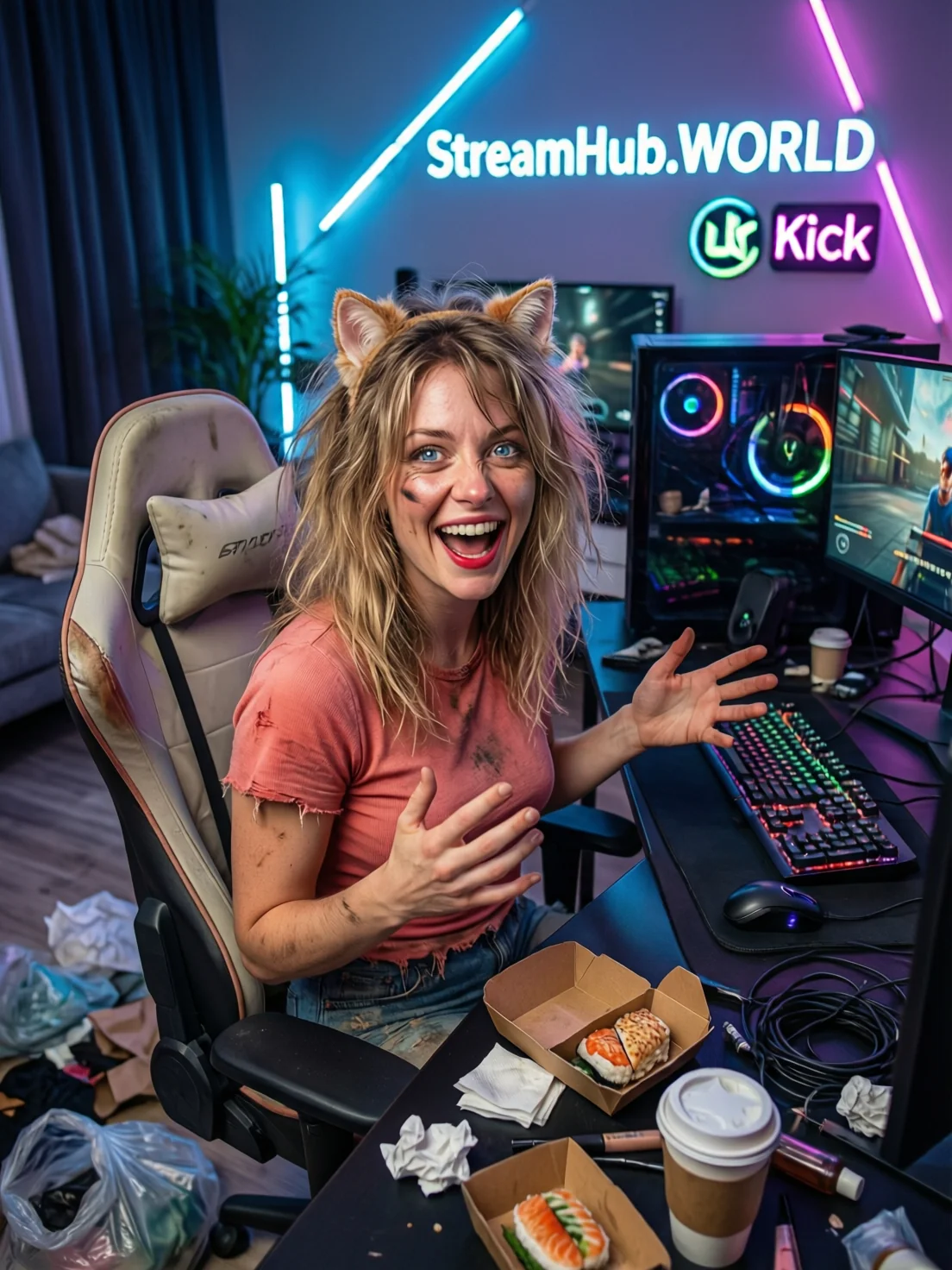
Most creators fall into a trap that feels like ambition but is actually a ticking clock: the "more is better" fallacy. You start with three streams a week, feel the momentum, and suddenly convince yourself that daily, four-hour broadcasts are the only way to satisfy an algorithm or keep a community engaged. By month six, you are staring at your camera with genuine dread.
Burnout in streaming is rarely about the work itself; it is about the lack of boundaries between your professional performance and your personal downtime. If your schedule is built entirely around audience availability, you have essentially signed a contract that keeps you tethered to a chair at the exact times you should be recovering. Long-term success requires shifting from a "show up when they want" model to a "show up when I am at my best" model.
{ }
}
The 70/30 Energy Budget
A sustainable schedule is not a calendar filled with blocks; it is a budget of creative energy. You should aim to commit no more than 70% of your total weekly creative capacity to live broadcasting. The remaining 30% must be reserved for administrative overhead, community management, and—crucially—non-screen time.
Consider this practical scenario: A creator who streams five days a week for four hours each day often reports feeling "hollow" by Friday. If that same creator moves to a three-day schedule (e.g., Tuesday, Thursday, and Saturday), they gain two full days for deep production work or rest. In practice, this often leads to higher-quality streams because the creator arrives on camera with a fresh perspective and genuine excitement, rather than the mechanical fatigue of someone fulfilling a quota.
The Decision Framework for Your Weekly Cadence
- The Anchor Days: Pick two days where your energy is highest. These are your "Must-Stream" days. Do not negotiate these.
- The Flex Day: Add one extra day that is subject to your mood or project demands. If you feel drained, cancel it early. Your community will respect a rested creator more than a depleted one.
- The "Off-Grid" Mandate: Designate at least two full days per week where you do not engage with your creator dashboard, analytics, or community messages.
- The Batching Rule: Move all non-stream tasks—graphics, email, research—into a single "Operations Block" rather than letting them bleed into your pre-stream warm-up time.
Community Pulse: The Recurring Friction
Across the creator landscape, a consistent pattern emerges: the fear of "audience abandonment." Many creators report that they delay taking breaks because they believe a two-week hiatus will permanently damage their growth metrics. However, experienced creators frequently point out that the audience rarely notices a temporary dip in frequency as much as they notice a shift in the creator's temperament. When a creator is burnt out, the audience feels it through diminished interaction and forced enthusiasm. The consensus suggests that a scheduled "season" or a planned hiatus is perceived as professional, whereas an abrupt, burnout-induced disappearance is perceived as a crisis.
Maintenance and Periodic Review
Your schedule should be treated like a software version: it needs updates. What worked for your lifestyle in January might be unsustainable by June. Every three months, perform a "Cost-Benefit Audit" of your calendar:
- Review your engagement rates during your final hour of streaming. If they consistently drop, your streams are likely too long for your current stamina.
- Check your off-stream recovery time. If you find yourself thinking about content or checking analytics during your "Off-Grid" days, your schedule is too tight and needs more buffer room.
- Analyze your pre-stream stress levels. If you feel "dread" rather than "anticipation" before hitting the live button, you are over-scheduled.
If you find that your administrative tasks are constantly eating into your recovery time, tools found at streamhub.shop can help streamline your setup, letting you spend less time troubleshooting gear and more time recharging.
2026-06-10
Quick FAQ
Should I tell my audience if I am cutting back my schedule?
Yes. Transparency is a professional asset. Framing it as "optimizing for better content quality" rather than "taking a break because I am tired" frames the change as a positive development for the community.
Is it better to stream fewer days or shorter hours?
Generally, fewer days are better. A shorter stream often fails to build the momentum required for a deep dive, whereas a full day off provides the total mental disconnect needed to reset your creative battery.