It’s a common scenario for many live streamers: you’re pouring your energy into your content, whether it’s a high-stakes game, a creative art project, or a deep dive into a niche topic. Yet, the chat window stays stubbornly quiet, or perhaps it’s just a trickle of 'hellos' and little else. You might feel like you’re talking to yourself, wondering how to bridge the gap between your broadcast and the actual people watching. Passive viewership is easy to achieve; genuine, interactive engagement takes a more deliberate approach.
This guide isn't about generic tips like "read chat." It's about proactive strategies to cultivate a lively, responsive community, turning silent observers into active participants. We'll explore how to set the stage for interaction, ask the right questions, and weave viewer input seamlessly into your live content.
Beyond Passive Consumption: Cultivating Immediate Interaction
Engagement isn't something that just happens; it's something you actively build, often from the very first moments of your stream. Many streamers fall into the trap of waiting for chat to start talking, then reactively responding. Flip that script. Be the initiator.
Think about your stream's opening. Instead of a generic "Hey everyone, just getting started," try something that prompts an immediate, low-barrier response. This isn't about solving a complex puzzle, but giving viewers an easy "in" to the conversation.
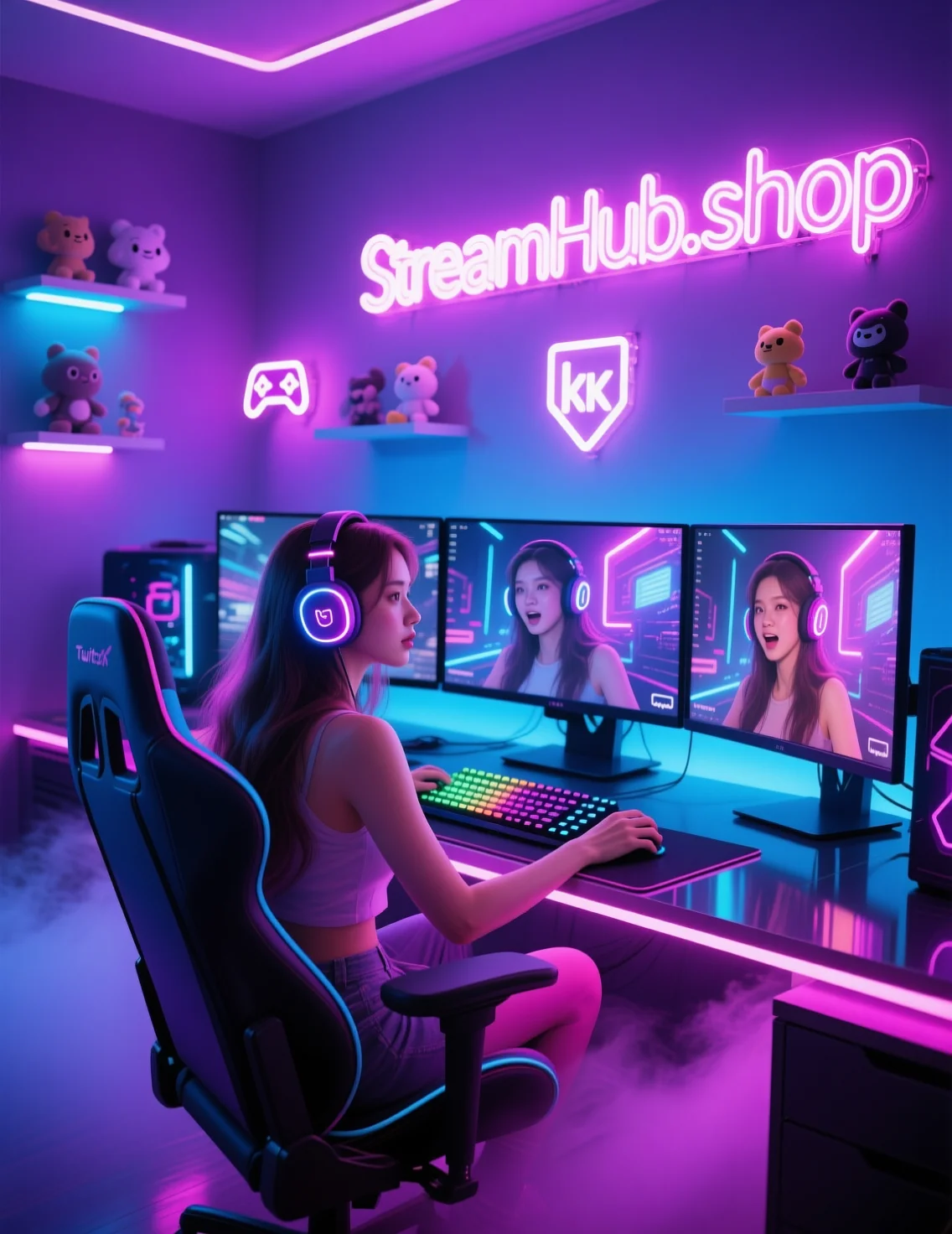
What this looks like in practice:
- For a gaming stream: "Alright, we're diving into [Game Title] today. Quick question: what's one game you've replayed more times than you can count? Let me know in chat!"
- For a creative stream (art/music): "Welcome in! I'm starting a new piece today, and I'm curious: what's your go-to creative snack or drink? Mine's definitely [your answer]."
- For a 'just chatting' or discussion stream: "Good to see you all! Before we get into today's topic, what's one small win you had this week, big or small? Share it in chat – we need those positive vibes!"
The goal is to provide a simple, direct question that invites personal, non-intimidating answers. This helps new viewers feel comfortable typing, and regulars know you're actively looking to connect.
Strategic Questioning & Calls to Action: Sparking Dialogue
Once you’ve got the initial icebreaker out of the way, sustaining engagement requires a thoughtful approach to interaction. It's not just about asking "Any questions?" – which often leads to silence. It's about crafting questions and prompts that are open-ended, relevant, and timely.
Types of Effective Prompts:
- Hypothetical Scenarios: "If you had to pick one superpower based on this game's mechanics, what would it be and why?"
- Preference-Based Questions: "For those of you who play this game, do you prefer a stealthy approach or going in loud? Tell me your strategy!"
- Experience-Sharing: "Has anyone else had a moment like this in [Game/Activity]? What was your funniest or most frustrating experience?"
- Collaborative Decisions: "Okay, chat, I'm at a crossroads here. Should I go left for the loot or right for the main objective? Let's take a vote!"
- Personal Reflections: "Watching this cinematic makes me think about [topic]. What's a story that genuinely moved you recently?"
Mini-Scenario: The RPG Streamer
A streamer, 'LevelUpLara,' is playing a new RPG. She reaches a point where she needs to customize her character's skills. Instead of just picking them herself, she says: "Alright, folks, time to spec out our character! I'm leaning towards a high-damage build, but some of you are veterans of this series. What's one must-have skill early on that saved your butt? Drop your recommendations and a quick reason why in chat!"
This prompt is specific, collaborative, and invites experienced viewers to share their knowledge, making them feel valued. Lara then reads out some suggestions, thanks specific users, and discusses the pros and cons, integrating their feedback directly into her gameplay.
Community Pulse: The Shared Struggle of a Quiet Chat
Many creators express frustration over a 'dead chat,' even with a decent number of viewers. A recurring sentiment is the awkwardness of trying to force interaction, often resulting in silence that makes streamers feel isolated. New streamers, in particular, often report feeling like they're performing for an empty room, making it harder to maintain energy and authenticity. There's also the challenge of getting new viewers to participate; they might be shy or unsure if their contribution is welcome. Streamers frequently grapple with how to transition from simply talking *at* their audience to fostering a genuine two-way conversation, especially when the stream is still small and the chat isn't self-sustaining yet.
Adapting Your Flow: Integrating Interaction Naturally
The key to sustained engagement is to make it feel like an organic part of your stream, not an interruption. Don't stop your game for five minutes to read every chat message. Instead, weave it into your natural rhythm.
- Contextual Responses: If chat asks about your strategy in a game, answer while you're executing a move related to that strategy. If someone compliments your art, acknowledge it while adding a new brushstroke.
- Multi-tasking & Micro-interactions: As you navigate menus, wait for a lobby, or during less intense moments of gameplay, glance at chat and respond. These small pockets of time are perfect for quick acknowledgements or short answers.
- "Bookending" Interactions: Frame specific segments with chat interaction. "Before we start the boss fight, who thinks we'll one-shot this? Let me know!" Then, after the fight, "Okay, we did it! Shout out to [viewer name] who called that strategy!"
- Embrace the Lulls: Not every moment needs to be high-octane. Use slower periods—like crafting, inventory management, or travel time in a game—to engage with chat more deeply. Ask follow-up questions, expand on previous answers, or ask for new topics.
The goal is a conversational flow, not a question-and-answer session. Your viewers are part of the experience, not just spectators.
Refine and Re-engage: Iterating Your Approach
Mastering viewer engagement isn't a one-time fix; it's an ongoing process of observation, experimentation, and adjustment. What works one day or for one game might not work for another. Regularly review your engagement strategies to keep your community vibrant and growing.
Checklist: What to Review and Update Over Time
- Chat Activity Patterns: When is your chat most active? Are there specific times or game segments where engagement peaks or drops? Try to schedule more interactive segments during peak times.
- Question Effectiveness: Which types of questions generate the most responses? Keep a mental note (or even a physical one) of prompts that really spark dialogue, and adapt them for future streams.
- Viewer Feedback (Implicit & Explicit): Are viewers suggesting new topics or activities in chat? Do certain calls to action consistently fall flat? Pay attention to what your audience responds to.
- Moderation Impact: Is your moderation style too strict or too loose? Good moderation encourages positive interaction and discourages negativity, directly impacting engagement.
- New Tools & Features: Keep an eye on platform updates (e.g., new poll features, channel point redemptions, extension integrations) that can enhance interaction. Experiment with one new tool at a time to see its impact.
Remember, your community is dynamic. As your stream grows and evolves, so too should your approach to engaging with the people who make it all possible.
2026-04-23