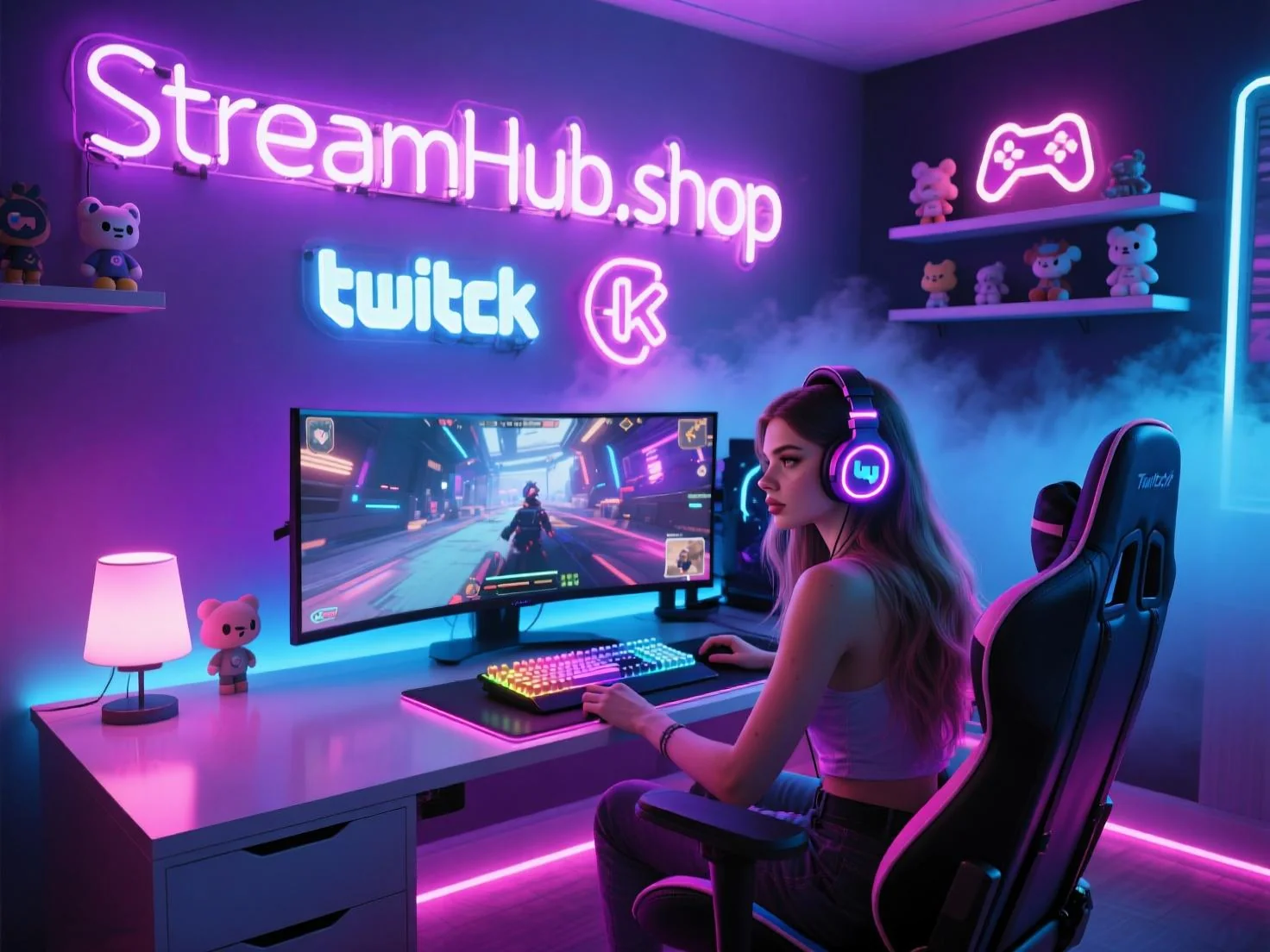
Most streamers fall into a common trap: they want their overlay to look like a professional broadcast, so they download a high-end "stream pack" filled with animated neon lights, complex borders, and tickers. Two weeks later, they realize their actual content—the game, their webcam, or their art—is fighting for space against the very design meant to highlight it. A cohesive brand identity isn't about how much you can fit on the screen; it’s about how much you can strip away while still maintaining an unmistakable vibe.
Designing a cohesive overlay starts with defining your "Visual Anchor." What is the one thing you want a viewer to remember when they look at your stream for five seconds? If the answer is "my logo," then your overlay should be a subtle frame for your camera and game, not a complex HUD that occupies 40% of the screen.
{ }
}
The Decision Framework for Overlay Elements
Before you commit to a design, run every element through this three-step filter. If an element doesn't pass, remove it. It is better to have a clean, sparse stream than a cluttered one that distracts from your personality.
- Utility Check: Does this element provide necessary information for the viewer (e.g., current round, recent follower goal, or a clear camera frame)? If it’s purely decorative, consider if it’s truly adding value or just filling empty space.
- Hierarchy Check: Is the most important part of your stream (you or the gameplay) the primary focal point? If your viewer has to scan past three scrolling text animations to see your face, your hierarchy is broken.
- Color & Contrast Check: Do your brand colors enhance readability or hinder it? If your text is unreadable against your custom borders, or if your alert colors blend into the game's palette, you will alienate viewers during high-action moments.
In Practice: The "Minimalist Transition" Case
Consider a creator named Alex who focuses on long-form, high-intensity strategy games. Alex originally used a heavy, dark-themed overlay with thick borders and a large, animated bar at the bottom for top donors. The problem? During late-game moments, the text on that bar was impossible to read, and the heavy borders made the stream feel cramped.
Alex switched to a "floating" design philosophy. Instead of fixed borders, they moved to subtle, semi-transparent corner accents that only animate when an alert triggers. The "top donor" info was moved to a periodic, non-intrusive popup that appears once every twenty minutes. The result was a screen that felt 30% larger, allowed the game’s UI to breathe, and made the rare alerts feel more special because they weren't competing with permanent, noisy UI elements.
The Community Pulse
Current sentiment among creators highlights a growing fatigue toward "over-produced" aesthetic styles. Many streamers are reporting that viewers express higher satisfaction with "streamlined" or "authentic" looks. A common pattern in creator feedback suggests that when a streamer changes their overlay to be more minimalist, engagement often stabilizes because the barrier between the creator and the audience feels lower. The consensus is shifting away from the "e-sports broadcast" look toward designs that emphasize the creator's presence and clear communication of vital stream info.
Maintenance and Evolution
Your overlay should not be a static asset. It is a living part of your branding that needs maintenance every few months. Every quarter, perform a "clutter audit":
- Review against new habits: If you find yourself frequently explaining a piece of info that is already on your overlay, your design is failing to communicate. Simplify the text or the icon.
- Check for legibility: Watch a VOD of your stream on a mobile device. If you cannot read your labels or see your camera details clearly, your overlay is too dense for mobile viewers.
- Refresh brand assets: If your brand identity evolves (e.g., you change your logo or primary font), ensure your overlay follows suit. An outdated overlay makes a stream feel abandoned or unprofessional.
If you are looking for foundational elements that balance professional quality with clean design, you can explore resources like streamhub.shop to see how minimal assets can serve as a better starting point than complex, pre-made packs.
2026-06-12