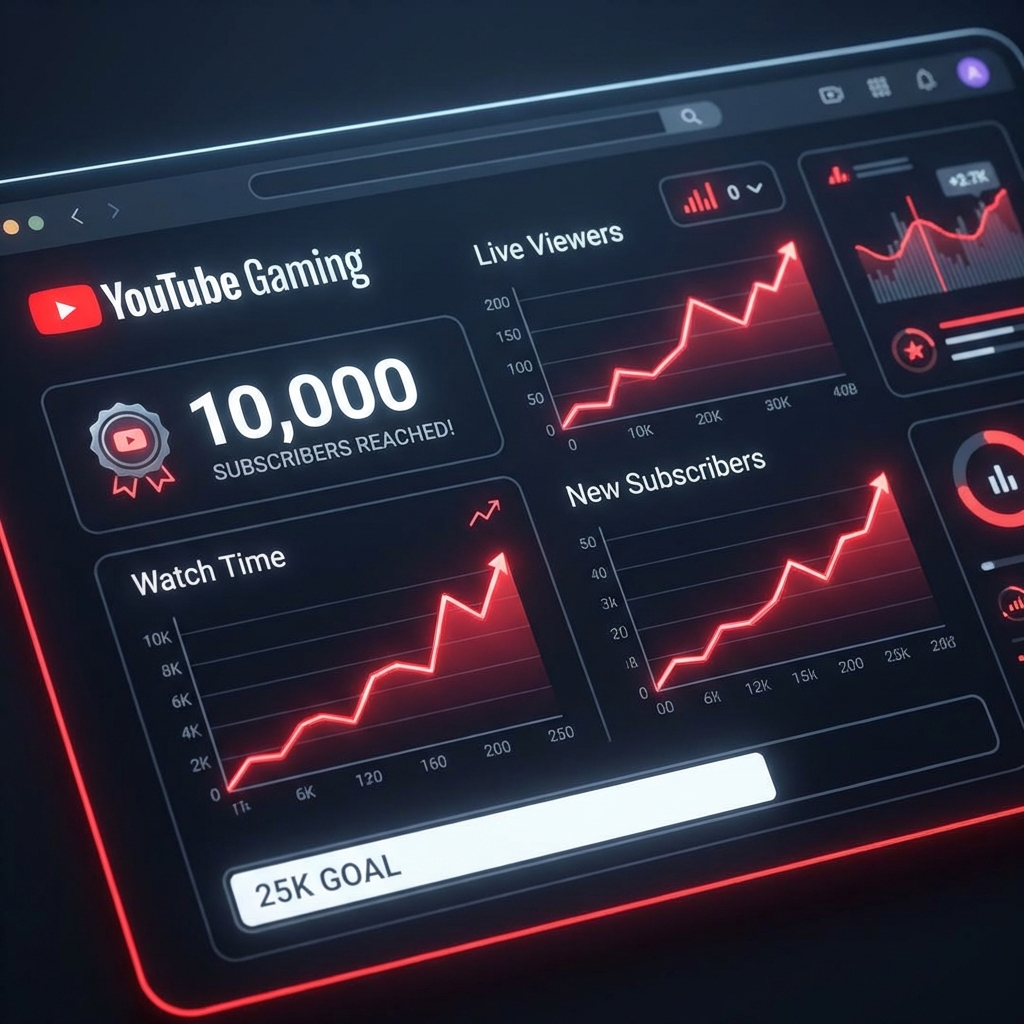
Day 1: The Silence of YouTube Gaming
"Hello?" I asked the microphone.
Silence.
I was streaming Minecraft on YouTube Gaming. 0 viewers. 0 likes.
YouTube is scary. Unlike Twitch, there isn't even a rigorous category list. You are just thrown into the void of "Live Now".
I'm Alex, and this is my diary of trying to grow a YouTube Gaming channel in 2026. Spoiler: The "Vertical Integration" strategy is the only thing that works.
The Strategy Shift: Shorts + Live + Boost
I quickly realized that streaming alone is dead. You need Shorts to feed the stream. But my Shorts were getting 10 views. Why?
Because YouTube tests your content on a seed audience. If they don't watch, it dies.
I decided to use StreamHub to seed the seed.
Day 7: The "Live Injection"
I scheduled a stream.
1. Ordered 50 High-Retention Viewers from StreamHub to wait in the lobby.
2. Posted a Short linking to the stream 1 hour before.
3. Went Live.
The Magic: Note this for 2026 SEO.
When the stream started with 50 waiting viewers, YouTube marked the Click-Through Rate (CTR) of the notification as 100%.
Algorithm thought: "This event is highly anticipated!"
It started pushing my stream to the homepage of people who play Minecraft.
OBS Settings for YouTube (Crucial!)
Twitch limits you to 6000-8000 bitrate. YouTube? You can throw 50,000 at it.
My Secret: I upscale my 1080p canvas to 1440p (2K) in Output settings.
Why?
* 1080p streams get the AVC1 codec (blocky, ugly).
* 1440p streams get the VP9 codec (crisp, professional).
Even if you play in 1080p, SEND 1440p.
Mistakes I Made
- Ignoring SEO: I named my stream "Playing Minecraft". Bad.
- Better: "HARDCORE Minecraft Day 100 - Can I Survive? (Live)".
- Description: Repeated keywords in the first 2 sentences.
- Silent Stream: I walked away for 5 mins while boosted. The real viewers who joined instantly left. Retention dropping kills the algorithmic push.
The Results: Month 1
- Total Streams: 12
- Boost Cost: ~$40
- Ad Revenue: $0 (Not monetized yet)
- Subscribers: 0 -> 420.
- Watch Hours: 1200 / 4000.
I am 25% of the way to monetization in just one month. Without the boost, I mathematically calculated it would take 14 months at organic rates.
The boost buys you time.
FAQ for Newbies
Q: Will YouTube ban my AdSense?
A: Don't click your own ads. Don't use bots on videos with Ads enabled if you are paranoid. I used boost only for Growth, effectively treating it as a marketing expense.
Q: Why not just use Google Ads?
A: Google Ads show your stream as a "Commercial". People hate clicking ads. StreamHub puts viewers inside the count. It looks organic. People follow crowds, not ads.
Conclusion
YouTube Gaming in 2026 is an ecosystem. You can't just press "Start Streaming". You need to engineer the metadata, quality, and initial traction. StreamHub gave me the traction. The rest was up to me.