You've put in the hours, crafted the perfect overlay, and nailed your live stream schedule. Yet, growing your audience feels like pushing a boulder uphill. You see other creators grabbing attention with YouTube Shorts – short, punchy videos that rack up views. The question isn't whether Shorts work, but how to make them work for your live stream, turning those fleeting glances into dedicated viewers in your chat.
This guide isn't about general Shorts strategy; it's about building a direct, undeniable bridge from your YouTube Shorts to your live streams. We're cutting through the noise to focus on actionable tactics that funnel short-form attention into long-form engagement.
The Bridge: Shorts as Your Live Stream's Discovery Engine
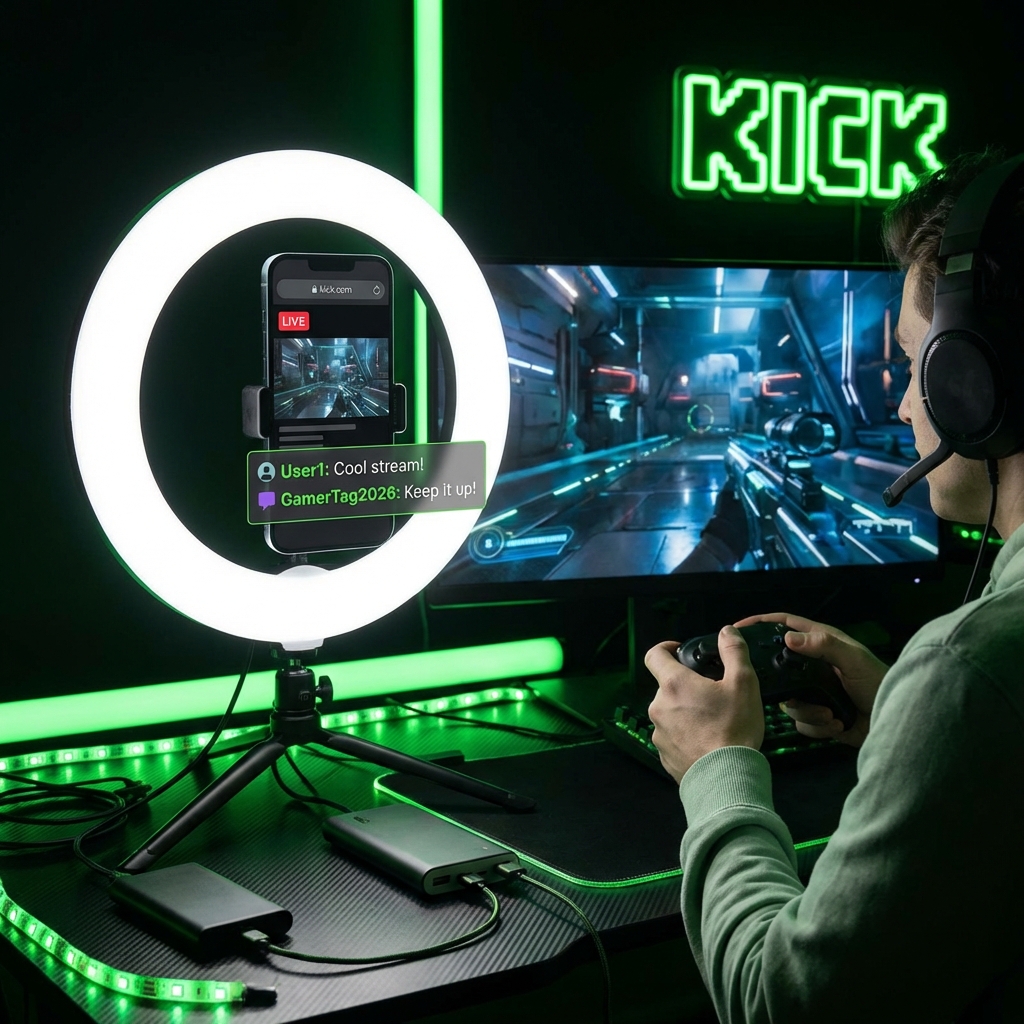
Think of YouTube Shorts as your stream's front door. In an attention-scarce world, very few new viewers will commit to a 2-hour VOD or discover you live purely by chance. Shorts offer a low-commitment entry point. They're designed for rapid consumption and wide distribution, exposing your personality, your content's highlights, and your unique style to an audience that might never stumble upon your live channel otherwise.
The goal is simple: capture attention quickly, showcase what makes your live stream unique, and then guide those captivated viewers directly to your next live session. This isn't just about repurposing; it's about pre-selling the live experience.
{ }
}
Strategic Snippets: What Live Moments Make Great Shorts?
Not every moment from your live stream is Short-worthy. The best Shorts are self-contained, high-impact, and leave the viewer wanting more. They are often less than 30 seconds, always under 60, and thrive on immediate hooks.
What This Looks Like in Practice:
Consider a gaming streamer, "NexusGamer." During a recent stream, NexusGamer attempted a notoriously difficult boss fight. After several hilarious failures and one truly clutch, last-second victory, NexusGamer reacted with pure, unadulterated shock and joy, screaming into the microphone and collapsing back in their chair. Chat exploded.
- The Short: A 25-second clip showing the final, tense moments of the boss fight, NexusGamer's over-the-top reaction, and a quick flash of the chat's celebratory spam.
- Why it works: It's dramatic, funny, authentic, and showcases NexusGamer's personality and their community's energy. It's a full emotional arc in under half a minute.
- The CTA: A simple text overlay and end card: "Wanna see more clutch moments & chaos? I'm LIVE [Days] at [Time]! Link in bio."
Shorts Content Checklist:
- High Emotion/Reaction: Did you laugh, scream, get incredibly tense, or show genuine surprise? These are gold.
- "Wow" Moments: A rare achievement, an incredible play, a stunning piece of art being created, a unique solution to a problem, or a mind-bending fact.
- Quick Wins/Fails: A fast tutorial, a satisfying craft snippet, a hilarious blunder that resolves quickly.
- Engaging Chat Interactions: A funny exchange, a heartfelt moment, answering a thought-provoking question. Show the community aspect.
- Intriguing Questions: Pose a question in your Short that encourages viewers to join your live stream for the answer or discussion.
The key is to select moments that not only stand alone but also hint at the larger, richer experience available on your live stream.
The Call to Action (CTA): Guiding Viewers to Your Live Stream
A great Short without a clear path to your live stream is a missed opportunity. Your CTA needs to be obvious, compelling, and easy to follow.
Effective CTA Strategies for Shorts:
- On-Screen Text Overlays: Throughout the Short, subtly include text like "Catch me LIVE!" or "Stream Schedule: [Days] [Time]." Make it brief and non-intrusive.
- Verbal Callouts: If appropriate, you can briefly mention your stream schedule or invite viewers to your next live session at the very end of the Short. Keep it natural.
- End Card: Dedicate the last 3-5 seconds to a clear end card with your stream schedule, platform, and a strong invitation. YouTube allows you to link to other videos, your channel, or a specific playlist within Shorts if they are long enough. Use these options strategically to link to a "Next Live Stream" playlist or a community post with your schedule.
- Pinned Comment & Description: Always pin a comment with your live stream schedule and a direct link to your live platform or a linktree. The description should also clearly state when and where you go live.
- YouTube Channel Banner/About Section: Ensure your main YouTube channel prominently features your live stream schedule. Shorts viewers will often click through to your channel.
- Community Tab Posts: Leverage YouTube's Community tab to post your weekly stream schedule, reminding viewers who discovered you via Shorts.
Consistency is crucial here. If your schedule changes, update it everywhere.
Community Pulse: The Friction Points
Among streamers experimenting with Shorts, a few common themes emerge regarding the challenges of connecting them to live streams. Many express concern about the sheer time commitment, feeling like they're creating separate content streams instead of an integrated strategy. The sentiment often boils down to questions like, "Will these short-form viewers ever really commit to long-form content?" or "I get Shorts views, but my live numbers aren't budging – what am I doing wrong?"
Another recurring frustration centers on the perceived "stickiness" of the audience. Streamers often note that while Shorts can bring discovery, translating that into consistent live viewership is a different beast. There's a shared struggle to convert casual Shorts viewers into loyal, engaged live community members who understand the value of showing up in real-time. The feeling is that the platforms sometimes silo content, making the journey from a 30-second clip to a 2-hour live stream feel less fluid than desired.
The consensus is clear: Shorts offer undeniable reach, but the conversion funnel to live content requires deliberate, consistent effort and careful messaging, addressing the "why watch live?" question head-on.
Maintenance & Evolution: Keeping Your Shorts Strategy Sharp
Your Shorts strategy isn't a "set it and forget it" task. To maximize its impact on your live stream growth, regular review and adaptation are essential.
What to Review and Update Regularly:
- Performance Analytics:
- Shorts View Count & Engagement: Which Shorts perform best? What types of content resonate most?
- Audience Retention: At what point do viewers drop off? This can inform your editing.
- Traffic Source to Live Streams: Can you track if Shorts are driving traffic to your YouTube channel and subsequently to your live streams? YouTube Analytics might provide some insights into overall channel growth and subscriber sources.
- Subscriber Growth: Are Shorts contributing to overall channel growth, which can indirectly boost live visibility?
- CTA Clarity & Effectiveness:
- Are your CTAs for live streams clear and prominent in your Shorts?
- Are people following through? If not, try different phrasing, placement, or stronger incentives.
- Schedule Consistency:
- Are your live stream times clearly communicated and consistent across all Shorts and your YouTube channel?
- If your schedule changes, have you updated every relevant Short's description, pinned comment, and your channel info?
- Content Experimentation:
- Don't be afraid to try different types of Shorts derived from your streams. Test reactions, educational snippets, quick highlights, and community interactions.
- Monitor what types of Shorts lead to comments asking about your live stream or expressing interest in seeing more.
- Cross-Promotion:
- Are you mentioning your Shorts strategy on your live stream? Remind live viewers that you're turning highlights into Shorts, encouraging them to share and engage there too. This creates a feedback loop.
By consistently analyzing what works, refining your CTAs, and adapting your content, you can turn Shorts into a powerful, sustainable engine for your live stream audience growth.
2026-03-06