OBS Studio remains the gold standard for streaming software in 2026. It is free, open-source, and incredibly powerful. Whether you stream on Twitch, YouTube, or Kick, mastering OBS settings is essential for quality broadcasts.
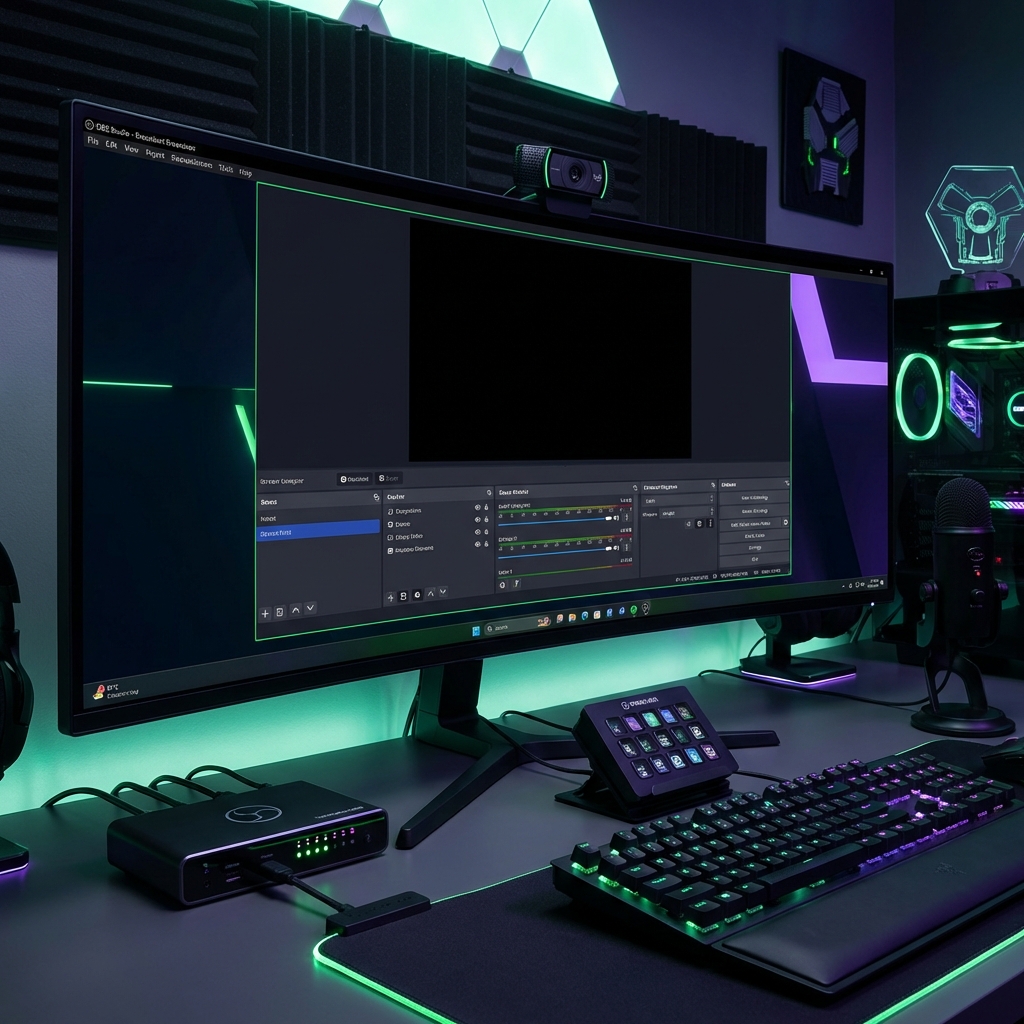
Video Settings
Your video settings determine stream clarity:
- Base Resolution - Match your monitor (1920x1080 recommended)
- Output Resolution - 1080p for high-end setups, 720p for modest hardware
- Frame Rate - 60 FPS for gaming, 30 FPS for casual content
Optimal Bitrate by Platform
- Twitch - 6000 Kbps maximum for Partners
- YouTube - Up to 51000 Kbps supported
- Kick - 8000 Kbps recommended
Encoder Selection
- NVENC (NVIDIA) - Best choice for most streamers
- x264 (CPU) - Higher quality but demands CPU power
- AMD VCE - Good for AMD GPU users
Audio Configuration
Audio is 50 percent of your stream quality. Configure properly:
- Sample Rate: 48 kHz
- Desktop Audio: Monitor your game and music
- Mic Audio: Apply noise suppression filters
- Audio Bitrate: 160 Kbps minimum
Advanced Performance Tips
Push your streams further:
- Enable New Network Code in Advanced settings
- Use Custom Buffer Size matching your bitrate
- Set Process Priority to Above Normal
- Disable Windows Game Mode for better performance
With these settings optimized, your streams will look and sound professional on any platform.