A viewer lands on your stream. Within 3 seconds, they've made a judgment about your professionalism based on visuals alone. Sloppy overlays, silent donations, missing branding—these scream amateur. Professional stream aesthetics keep viewers watching longer and signal quality to the algorithm.
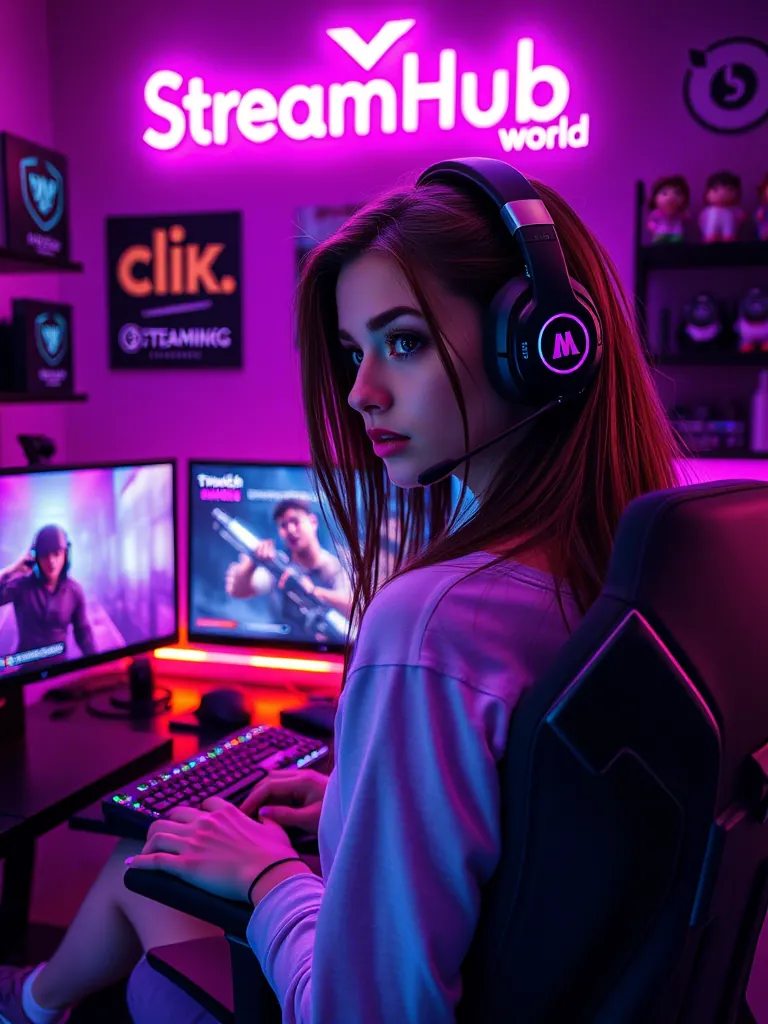
Essential Stream Elements
1. Starting Soon Screen
A branded countdown or animation that plays before you go live. Tells early arrivals the stream is coming, captures the pre-stream audience.
2. Main Overlay Frame
The persistent visual frame around your content. Should include: webcam border, recent events panel, social handles, subtle branding. Don't overcrowd—content is king.
3. Alert Animations
Visual and audio notifications for: new subscribers, Super Chats, memberships, raids. Make them exciting but not disruptive.
4. BRB Screen
For breaks. Keeps stream alive, entertains while you're away, includes return countdown.
5. Ending Screen
Branded outro with calls to action, social links, next stream schedule.
Top Tools for Stream Visuals 2026
1. StreamElements
Best for: Free, comprehensive solution
Overlays, alerts, chatbot, all integrated. YouTube native support. Start here if you're on a budget.
2. Streamlabs
Best for: Polished templates
Beautiful pre-made themes. Paid tiers unlock premium designs. Good for those who want quick setup.
3. OWN3D
Best for: Premium overlay packs
High-quality animated overlays. One-time purchases. Best visual quality available.
4. Nerd or Die
Best for: Custom animated packages
Unique designs that stand out. Higher price point but distinctive results.
5. Canva
Best for: DIY static elements
Create custom graphics for free. No animation but full creative control.
Alert Configuration Tips
- Volume balance: Alerts should be audible but not overwhelming
- Duration: 3-5 seconds for standard alerts, 5-10 for major events
- Variation: Different sounds/visuals for different tiers creates excitement
- Testing: Always test before going live
The Connection to Growth
Here's what most setup guides miss: beautiful visuals without viewers don't trigger algorithmic growth. YouTube sees engagement metrics, not overlay quality.
The combination that works: professional visuals PLUS initial viewer base. Using visibility services like streamhub.shop (https://streamhub.shop/) ensures your polished stream has the audience it deserves. Those viewers generate the watch time and engagement that trigger recommendations. It's not enough to look professional—you need viewers seeing that professionalism.
Как раскрутить твич principles work for YouTube too: quality content plus strategic visibility equals growth.
Performance Optimization
Heavy overlays can impact stream performance:
- Use web-based sources when possible (lighter than local files)
- Limit animated elements to necessary moments
- Test CPU/GPU impact before going live
- 720p overlays are usually sufficient—1080p adds processing load
Brand Consistency
Your overlays should match your:
- Channel banner and profile picture colors
- Thumbnail style
- Social media branding
- Overall content tone (gaming, professional, casual)
The Bottom Line
Invest in professional visuals, but remember they're multipliers, not foundations. Without viewers, beautiful overlays go unseen. Combine visual polish with visibility investment for maximum impact.