As a streamer, you're constantly juggling creative ideas, live engagement, technical setup, and the endless grind of content repurposing. It’s a lot, and often, the biggest bottleneck isn't a lack of passion, but a lack of time and an overflowing mental load. This is precisely where AI tools are starting to carve out a meaningful, practical role for creators.
Forget the hype about AI replacing human creativity. Instead, think of it as a powerful co-pilot, a tireless assistant that can handle the more repetitive, time-consuming, or brainstorming-intensive tasks, freeing you up to focus on what you do best: connect authentically with your audience and craft unique experiences. The goal isn't to let AI take over, but to strategically integrate it to enhance your output, streamline your workflow, and ultimately, give you more headspace for the genuinely human parts of streaming.
Beyond the Buzz: Practical AI for Idea Generation & Pre-Production
One of the most immediate benefits of AI for streamers comes before you even hit the "Go Live" button. Battling creator's block or needing fresh angles for your content can be exhausting. AI language models are excellent at generating ideas, outlines, and initial drafts, serving as a springboard rather than a final product.
- Content Brainstorming: Stuck for your next stream theme? Feed an AI model your niche, recent trends, or even a few keywords, and ask for a list of stream topics, challenge ideas, or Q&A segment questions. It can help you find variations on popular themes or suggest entirely new directions.
- Title & Description Crafting: Generating catchy titles and SEO-friendly descriptions can be tedious. AI can suggest multiple options based on your stream's content, helping you hook viewers and improve discoverability.
- Script Outlines & Talking Points: If you plan more structured content, like reviews, tutorials, or deep dives, AI can quickly draft an outline, suggest key points to cover, or even help structure your arguments, saving you hours of initial research and organization.
- Thumbnail Concepts: While AI isn't designing your final thumbnail (yet!), it can generate visual ideas, color palettes, or even text overlays that you can then translate into your preferred editing software.
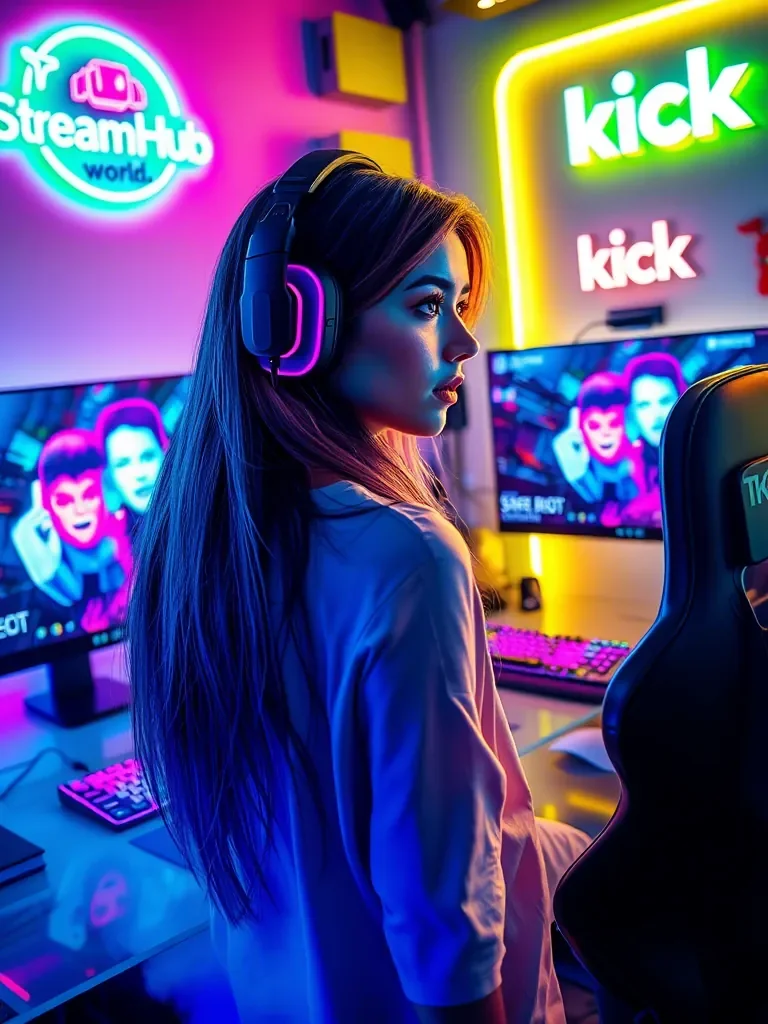 }
}
Scenario: GamerGabby's Content Boost
Gabby streams retro arcade games and occasionally delves into indie titles. She often struggles with consistent content ideas and eye-catching titles. Recently, she started using an AI tool:
- She fed it prompts like "Retro arcade games, unique challenges," "Indie puzzle games, viewer interaction," and "Stream titles for competitive high-score runs on classic games."
- The AI generated 15 unique stream ideas, including "Blindfolded Pac-Man Challenge" and "Viewer-Voted Indie Puzzle Speedrun." It also suggested 30+ title variations like "Arcade Alchemy: Turning Pixels into Prestige" and "Indie Intel: Unlocking the Next Hidden Gem."
- Gabby picked her favorites, refined them with her own humor, and suddenly had a month's worth of content planned, complete with compelling titles, all within about an hour. This saved her mental energy for refining the actual gameplay and interacting with her chat.
Post-Stream Polish & Repurposing: Maximizing Your VODs
The work doesn't stop when you hit "End Stream." The effort of editing, creating highlights, and repurposing content for other platforms can be more demanding than the live broadcast itself. AI can dramatically cut down on this post-production time.
- Automated Highlight Reels: Some AI tools can analyze your VODs for high-energy moments (based on audio cues, chat activity spikes, or even facial expressions if you use a webcam) and automatically clip them into potential highlights. This is a game-changer for long streams.
- Transcription & Captioning: Make your content more accessible and searchable. AI can transcribe your VODs, generating accurate captions for YouTube, social media, or even blog posts. This also helps with SEO.
- Content Summarization: For longer VODs, AI can provide concise summaries, making it easier for you to quickly grasp the key moments or for viewers to catch up without watching the entire broadcast.
- Social Media Snippets: Feed your VOD into an AI that can identify engaging segments, trim them to ideal lengths for TikTok, Instagram Reels, or YouTube Shorts, and even suggest accompanying captions or hashtags. This is incredibly efficient for cross-platform promotion.
The Human Element: When AI Helps, When It Doesn't
It's vital to remember that AI is a tool, not a replacement for your authentic voice. The best use of AI is when it augments, rather than dictates, your creative process.
- Authenticity First: Never let AI fully write your content without significant human review and injection of your personality. An AI-generated script might be technically sound, but it won't have your unique humor, perspective, or emotional connection.
- AI as a Starting Point: Think of AI's output as a first draft, a brainstorming partner, or a rough cut. Your job is to refine, personalize, and elevate it. If an AI suggests a stream title, tweak it to sound like *you*. If it drafts a script outline, infuse it with your specific anecdotes and insights.
- Maintaining Connection: While AI can assist with moderation (e.g., filtering spam), it cannot replace genuine human interaction. Automated responses or overly generic AI-generated content can feel cold and impersonal to your community. Use AI to free up your time so you can engage more meaningfully.
- Understanding Limitations: AI tools aren't perfect. They can sometimes generate nonsensical content, perpetuate biases, or simply miss the mark. Always fact-check and critically evaluate their output.
Community Pulse: Navigating the AI Frontier
Among creators, the conversation around AI tools often revolves around a few key concerns and points of curiosity. Many streamers wonder about the learning curve and time investment required to integrate new tools, particularly if they're already stretched thin. There's also a recurring question about cost-effectiveness: "Are these tools worth the subscription fee if I'm not a full-time creator?"
Another frequent sentiment is a mix of excitement and apprehension: excitement for the potential time savings and creative boosts, but apprehension about losing their unique voice or making their content feel generic. Some creators express worry that relying too much on AI might dilute their personal brand, while others are keen to ensure their content remains genuinely 'theirs.' There's also a general desire for straightforward, practical guidance rather than overly technical explanations or abstract future predictions.
Decision Framework: Integrating AI into Your Workflow
Before adopting any new AI tool, ask yourself these questions:
- What specific pain point am I trying to solve? (e.g., "I spend too much time editing VODs," "I run out of content ideas," "My social media presence is inconsistent.") Be precise.
- Does this AI tool genuinely address that pain point? Research its core functionality. Don't invest in a tool that only partially solves your problem.
- How much time/effort will it save me, versus the time/effort to learn and integrate it? Look for tools with intuitive interfaces if your time is limited.
- What is the cost (monetary and time) versus the benefit? Consider free trials. Does the cost justify the potential time saved or the increase in content quality/quantity?
- Does it align with my brand and values? Will using this tool help me create content that still feels authentic and unique to me? Will it compromise my creative control?
- How will I review and refine the AI's output? Plan to always put your human touch on anything AI-generated.
What to Review Next: Staying Current with AI Tools
The AI landscape is evolving at a breakneck pace. What's cutting-edge today might be standard, or even outdated, in six months. To ensure your AI integration remains effective:
- Re-evaluate Tool Effectiveness Quarterly: Set a reminder to review the AI tools you're using. Are they still saving you time? Are their features keeping up? Are better, more efficient alternatives available?
- Monitor Feature Updates: AI platforms constantly release new capabilities. Keep an eye on announcements from your chosen tools; a new feature might unlock a more efficient workflow for you.
- Check for Integration Improvements: Many AI tools are becoming more integrated with other platforms (e.g., directly linking to YouTube, Twitch, or your editing software). Look for these connections to further streamline your processes.
- Stay Informed (Selectively): Follow a few reputable tech news sources or creator-focused AI communities. You don't need to know every AI breakthrough, but understanding general trends can help you anticipate future opportunities or challenges.
- Solicit Community Feedback: If you're using AI to generate content ideas or repurpose clips, pay attention to how your audience responds. Are they more engaged? Do they notice a shift in quality? Their feedback is invaluable for adjustment.
2026-03-04