You’re live, the mic is on, and you’re pouring your energy into your content. But sometimes, despite the viewer count, it can feel like you’re broadcasting into the void. Chat is quiet, poll participation is low, and you wonder if anyone is truly connecting with what you’re doing. It’s a common frustration: moving beyond simply having viewers to genuinely engaging them, making them feel like an integral part of the experience.
This guide cuts through the noise to offer actionable, specific strategies for boosting viewer participation. We're not talking about every possible gimmick, but rather focused approaches that foster real interaction, transforming your stream from a one-way street into a lively, collaborative space.
Beyond Passive Viewing: Core Principles of Proactive Engagement
True audience engagement isn't just about asking "How's everyone doing?" or hoping someone drops a question in chat. It requires intentional design and a proactive mindset. Think of yourself as a host orchestrating an interactive show, not just performing for an audience.
- Make Interaction Effortless: The easier it is to participate, the more likely viewers are to do so. Simple yes/no polls, one-click redemptions, or quick chat commands are far more accessible than complex questions requiring a lengthy typed response. Reduce the barrier to entry wherever possible.
- Tie Interaction to Your Content: Don't make participation feel like an interruption; integrate it seamlessly. If you're playing a game, ask for decisions related to the gameplay. If you're doing a creative stream, solicit ideas for your project. When interaction directly influences what's happening, it feels more meaningful.
- Acknowledge and Act: Nothing kills engagement faster than ignored participation. Read out chat messages, react to poll results, and visibly implement viewer suggestions. Show your audience that their input matters and has an impact. This recognition is a powerful loop that encourages further participation.
- Vary Your Methods: The same type of interaction every stream can become stale. Mix polls with chat prompts, community challenges, and viewer games. Variety keeps things fresh and caters to different participation preferences.
- Plan for It: Don't treat engagement as an afterthought. Build specific interactive moments into your stream plan. "At the 30-minute mark, I'll run a poll on X. Halfway through, I'll check chat for Y suggestions." This ensures you carve out time and prompts for interaction.
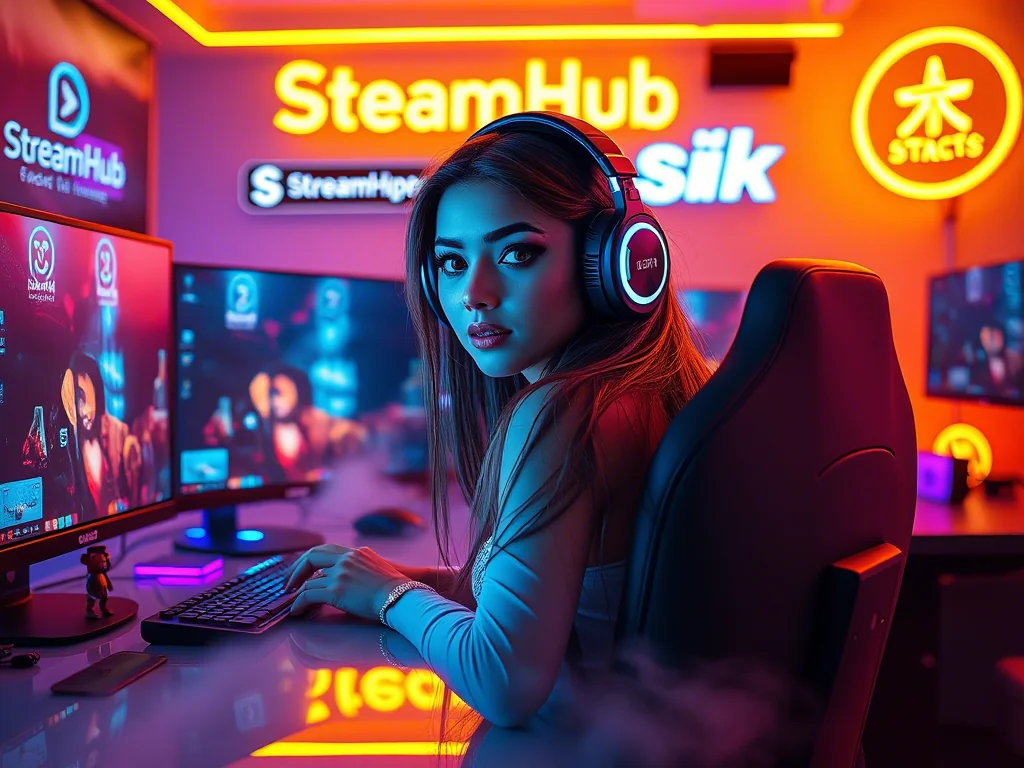
Actionable Interactive Ideas for Diverse Stream Styles
Let's look at how these principles translate into concrete ideas, with a mini-scenario to illustrate.
Scenario: "GamerGal Laura" - A Variety Streamer's Turnaround
Laura streams a mix of story-driven RPGs and casual indie games. Her chat is often quiet, despite having a decent concurrent viewer count. She used to ask, "What should I play next time?" but got few responses, and those were often conflicting or generic. Laura realized her questions were too broad and lacked immediate impact.
Laura's Shift:
- Instead of: "What should I play next?" (High barrier, too far in the future)
- She tried: "Okay, I'm at a crossroads. Do I brave the 'Swamp of Sorrows' optional boss for a rare item (Poll A), or do I play it safe and grind some side quests for an hour (Poll B)?" This was specific, had immediate consequences for the stream, and required a simple click. Poll participation immediately jumped.
- Instead of: Just playing solo.
- She tried: "Community Quest: If we hit 50 concurrent viewers by the end of this dungeon, I'll attempt the boss using only a wooden sword!" This gave viewers a shared goal tied to a fun, challenging outcome. The chat became a hype machine as they pushed towards the goal.
- She also started: Pausing during character creation in new games and asking chat for name suggestions, or for their favorite color scheme. Simple, low-stakes, and directly influenced the stream.
More Ideas for Your Stream:
- Viewer-Influenced Gameplay (Gaming Streams):
- Loadout/Skill Tree Polls: "Should I spec into strength or agility for the next hour?"
- Pathing Decisions: "Do we go left through the monster-infested woods or right through the potentially-trapped ruins?"
- Challenge Runs: Offer viewers specific, short challenges to vote on (e.g., "Use only pistols for the next 10 minutes," "No jumping for this boss fight").
- Interactive Storytelling/Q&A (Just Chatting/Creative Streams):
- "Would You Rather" / "Two Truths and a Lie": Simple, quick, and reveals fun facts about you and your audience.
- Community Story Prompts: Start a sentence, then ask chat for the next line, selecting the funniest or most creative additions.
- Live Problem Solving: If you're a creative streamer (art, coding), invite viewers to submit a small project idea or a specific problem they're facing, and work on it live.
- Shared Goals & Rewards (All Streams):
- "Hype Train" Goals: Beyond just follower goals, tie specific, fun interactive events to subscriptions, bits, or viewer counts (e.g., "10 new subs = I wear a silly hat for the rest of the stream").
- Viewer-Chosen Giveaways: Let your community vote on the next giveaway item or even who wins (within platform rules).
Community Pulse: Navigating Common Engagement Hurdles
It's easy to feel discouraged when interaction ideas don't immediately take off. Many streamers express similar concerns when trying to build a more participatory stream:
- "My chat is still dead, no one responds to my questions."
- The Fix: The problem often isn't the audience's willingness, but the question's design. Avoid overly broad or open-ended questions (e.g., "What's on your mind?"). Instead, ask specific, low-friction questions that require minimal effort to answer (e.g., "Coffee or tea this morning?" or a simple A/B poll). Sometimes, you need to explicitly invite participation: "I'm genuinely curious what you all think, hit that poll button!"
- "I tried polls, but only a few people voted."
- The Fix: Consistency and relevance are key. If polls are sporadic or don't feel like they impact the stream, viewers won't prioritize them. Make polls a regular, expected feature, and ensure the choices genuinely matter to the content. Over time, viewers will learn to look out for them. Also, ensure your poll overlay is visible and clear.
- "I feel like I'm begging for interaction, and it's awkward."
- The Fix: Reframe your mindset. You're not begging; you're offering an opportunity for your viewers to shape the experience and feel more connected. Frame your prompts as invitations: "Let's decide together," "Help me make a choice," or "I'd love your input on this." Enthusiasm is contagious; genuine excitement about their participation will encourage it.
- "What if viewers choose something I don't want to do?"
- The Fix: Only offer choices you're genuinely okay with. If you're playing a game, don't put up a poll for "uninstall the game" unless you're truly prepared for that outcome. Sometimes, viewers choosing a suboptimal path can lead to hilariously fun, unexpected moments, but set boundaries where necessary.
The Engagement Loop: Before, During, After Your Stream
Effective interaction isn't just a "during stream" activity. It's an ongoing process that benefits from planning and follow-through.
Before Stream: Set the Stage
- Plan Your Interaction Moments: Identify 1-3 specific points in your stream where you'll actively seek viewer input. This could be a poll, a chat prompt, or a community challenge.
- Prepare Your Tools: Pre-load poll questions into your streaming software (Streamlabs, StreamElements), set up chat bot commands, or prepare on-screen graphics for challenges.
- Tease It: Announce on social media or in your Discord server that you'll be doing a viewer-influenced decision or a fun challenge during the stream. Build anticipation.
During Stream: Execute and Elevate
- Active Prompting: Don't just launch a poll and be silent. Explain *why* you're asking, encourage participation, and guide viewers to the interaction point ("Look for the poll on screen!" or "Type your ideas in chat!").
- Acknowledge and Engage: Read out names of participants (if comfortable), directly respond to chat suggestions, and audibly react to poll results. "Wow, 70% of you want me to take the risky path? You're brave!"
- Implement and Show Impact: Follow through on what the viewers decided. If they voted for a specific build, show yourself applying those points. If they suggested a character name, use it. This closes the loop and reinforces their influence.
- Use Visual Cues: On-screen overlays for polls, chat messages, and alerts for redemptions make interaction visually dynamic and easy to spot.
After Stream: Reinforce and Reflect
- Thank Participants: In your post-stream social media recaps or Discord messages, thank those who participated and mention the fun outcomes of their input.
- Share Results: Post screenshots of poll results or highlight memorable chat interactions. Keep the conversation going.
- Tease Future Interaction: Hint at upcoming opportunities for viewers to influence your next stream, creating a continuous loop of engagement.
- Self-Review: Make a quick mental note of what interactive elements worked best and which fell flat. This informs your planning for the next stream.
Keeping the Spark Alive: Reviewing Your Interaction Strategy
Your community evolves, and so should your approach to engagement. A regular review ensures your interactive efforts remain fresh and effective.
- Monthly Interaction Audit:
- Which specific interactive elements generated the most chat activity or poll votes?
- Were there any ideas that consistently fell flat? Why do you think that happened? (Was it confusing? Poorly timed? Irrelevant?)
- Is the same core group always participating, or are new viewers also getting involved?
- Have you noticed any general shifts in chat vibe or viewer retention that might correlate with your interaction efforts?
- Are your current tools (overlays, bot commands) still making interaction as smooth as possible, or do they need an update?
- Don't Be Afraid to Retire Ideas: If an interactive segment isn't landing, gracefully phase it out. Not every idea will be a hit, and that's okay. Your time is valuable; focus it on what genuinely resonates.
- Experiment Consistently: Dedicate a small portion of your stream planning to trying one new interactive idea each month. This keeps things fresh for both you and your audience.
- Listen to Implicit & Explicit Feedback: Sometimes viewers will directly suggest things they'd like to do. Other times, you'll notice patterns in chat ("wish you would let us vote on that!"). Pay attention to these cues.
By proactively designing interactive moments, acknowledging participation, and continuously refining your approach, you can transform your stream from a passive viewing experience into a vibrant, collaborative community where every viewer feels truly seen and heard.
2026-04-02