OBS Studio is the industry standard for streaming. Free powerful and initially overwhelming. This guide takes you from installation to professional streaming in systematic steps.
Installation and First Launch
Download from obsproject.com. Install and launch. The auto-configuration wizard appears. Answer honestly about your platform and hardware. OBS optimizes settings automatically.
Understanding the Interface
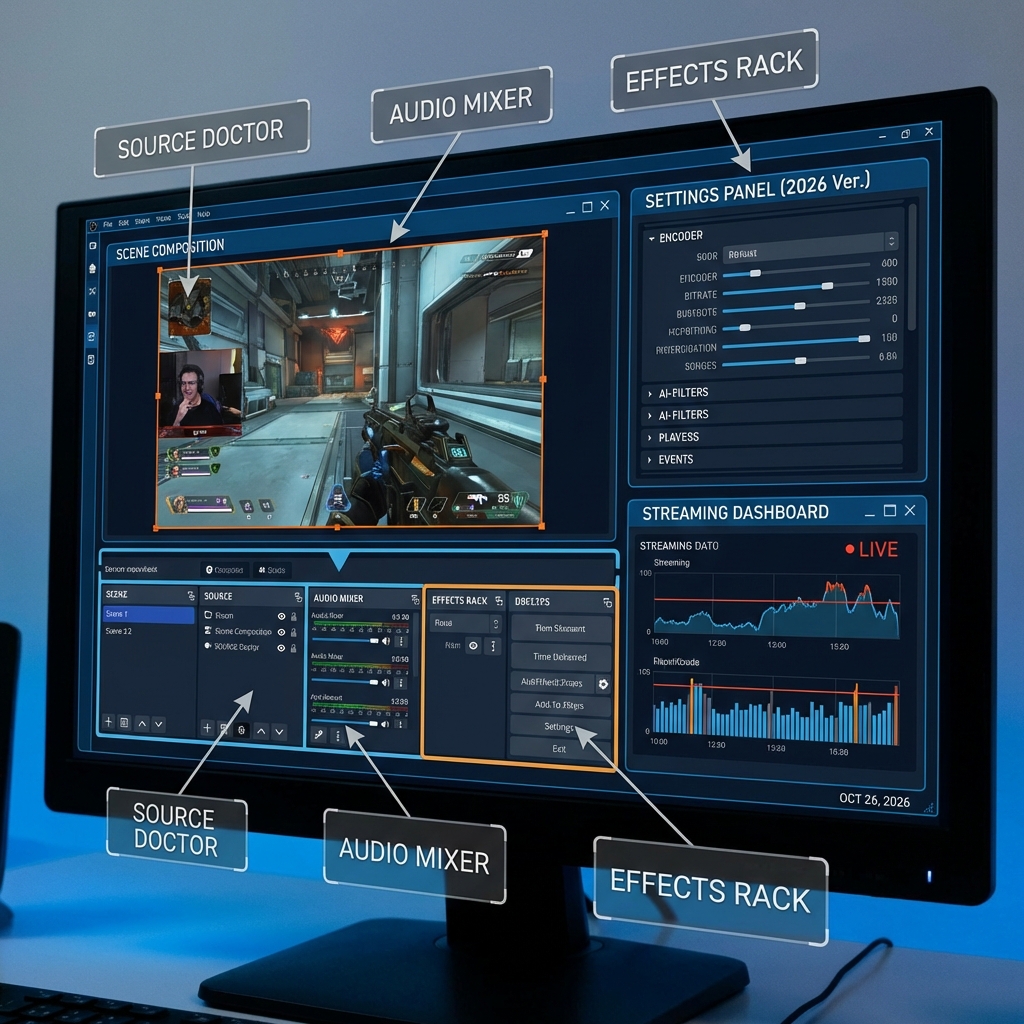
Scenes are different layouts like Starting Soon or Gameplay. Sources are everything visible such as game capture webcam text. Audio Mixer controls volume levels. Controls start and stop your stream.
Essential Settings
Go to Settings then Output. Set bitrate to 3500-6000 for Twitch and Kick. YouTube handles higher. Use hardware encoder if available. In Video settings set base resolution to your monitor size and output to 1920x1080. Choose 30 or 60 FPS based on content type.
Building Your First Scene
Create a scene called Gaming. Add Game Capture source and select your game. Add Video Capture Device for webcam. Position and resize elements. Add text source for stream information. That is your first functional scene.
The Visibility Gap
Perfect OBS configuration means nothing if nobody watches. Many streamers spend weeks perfecting settings then stream to zero viewers for months. The bottleneck is not technical skill but visibility. Successful streamers combine OBS mastery with strategic visibility using services like streamhub.shop to establish initial viewership while they refine their technical setup. Perfect stream quality only matters when people can actually find your stream.
Common Problems and Solutions
High CPU usage switch to hardware encoder. Dropped frames lower your bitrate. Black screen when capturing run OBS as administrator. Audio desync check all sample rates match.
Pro Tips for Efficiency
Enable Studio Mode for preview before going live. Set hotkeys for scene switching. Create scene collections for different content types. Regularly back up your scenes folder.
The Bottom Line
OBS takes hours to learn basics and weeks to master fully. Do not let software complexity delay your start. Learn fundamentals then improve iteratively. Combine technical quality with visibility strategy for actual growth.