Thinking about diving into mobile game streaming? It’s an increasingly popular, accessible entry point for many new creators, and a smart expansion for established streamers. But here's the kicker: simply holding up your phone or casting its screen to a monitor often results in a sub-par experience for viewers. To truly stand out, you need to treat mobile streaming with the same professional intent you'd apply to a PC or console setup.
This guide isn't about covering every single mobile game or specific device. Instead, we're focusing on how to elevate your mobile stream's quality and strategy so you can build a genuine audience and sustain your efforts. It’s about making intentional choices from your gear to your game selection and monetization approach.
Setting Up for Quality: Beyond the Basic Screen Mirror
The biggest differentiator for mobile streamers isn't necessarily the game they play, but how clearly and smoothly they present it. Your goal is to deliver a crisp, lag-free visual, clear audio, and a well-lit presence. This often means moving beyond simple wireless screen mirroring.
The Dedicated Capture Approach
For the best quality, think of your mobile device as a dedicated gaming console. This requires a wired connection to a capture card, which then feeds into your streaming PC. This setup minimizes latency, maximizes resolution, and offloads processing from your mobile device.
- Mobile Device: Ideally, a device dedicated solely to streaming the game. This avoids notifications, incoming calls, and background apps from interrupting your stream or draining resources. Ensure it has a strong processor and ample RAM.
- HDMI Output Adapter: Most Android devices require a USB-C to HDMI adapter (ensure it supports DisplayPort Alt Mode or MHL, depending on your phone). iPhones/iPads typically need a Lightning to HDMI or USB-C to HDMI adapter, often an official Apple adapter or a high-quality third-party option.
- HDMI Cable: A reliable cable to connect your adapter to the capture card.
- Capture Card: This is crucial. Brands like Elgato (Cam Link 4K, HD60 S+), Razer (Ripsaw HD), or AVerMedia offer external capture cards that handle the video feed from your mobile device and pass it to your streaming PC via USB.
- Streaming PC: Your desktop or laptop running OBS Studio, Streamlabs Desktop, or your preferred streaming software. This machine does the heavy lifting of encoding and broadcasting.
Beyond the core video, don't neglect audio and lighting:
- External Microphone: A good quality USB mic (like a Blue Yeti, HyperX QuadCast, or Rode NT-USB Mini) connected to your streaming PC will sound infinitely better than your phone's built-in mic.
- Headphones/IEMs: For game audio monitoring and to prevent echo feedback into your microphone.
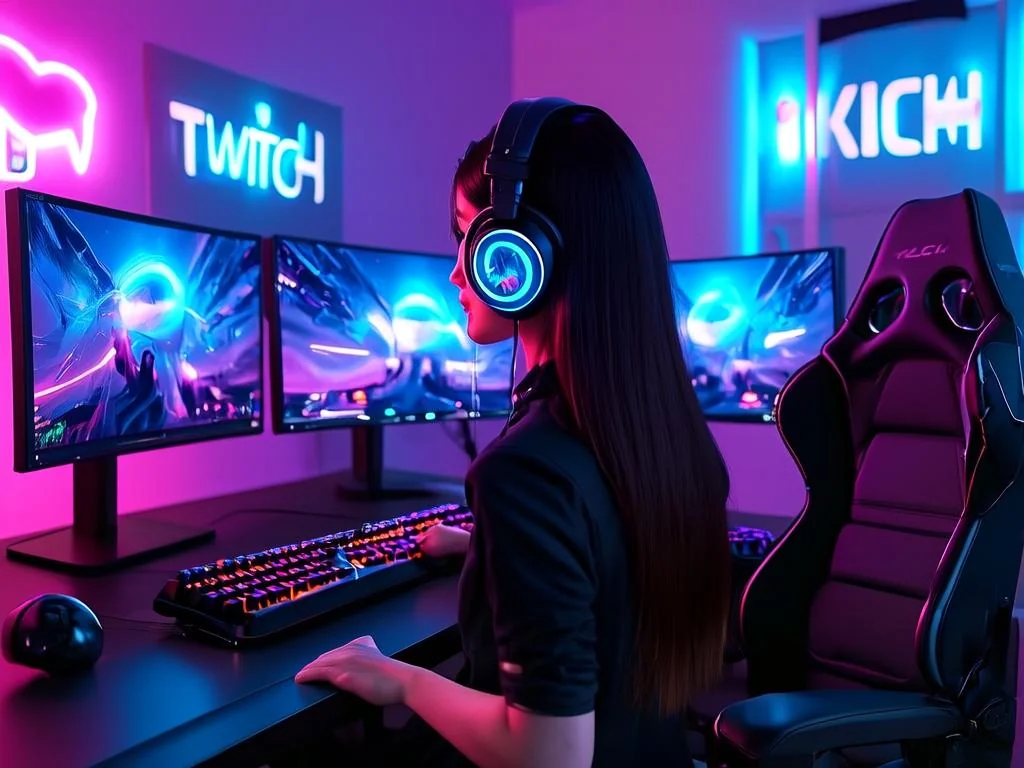
- Lighting: Key lights (ring light, softbox) to illuminate your face, and possibly a fill light, make a huge difference in how professional you appear. Good lighting minimizes shadows and ensures your reactions are clearly visible.
- Stable Mount/Stand: If you're using a facecam (either your webcam or a second mobile device), ensure it's on a stable stand or arm. For the gaming device itself, a stand that allows for charging while playing is essential.
 }
}
What this looks like in practice: Let's say you're streaming Genshin Impact on an iPad Pro. You'd connect your iPad Pro via a USB-C to HDMI adapter to an Elgato HD60 S+. That capture card connects to your gaming PC via USB. Your PC runs OBS, capturing the iPad's video feed. You speak into a Shure MV7 USB microphone, and your face is lit by a ring light while you play with a controller or directly on the iPad screen. This setup delivers a high-quality visual with crisp audio, making your stream engaging and professional.
Choosing Your Mobile Niche: Games That Resonate & Stream Well
The mobile game market is saturated, making game selection critical for discoverability and audience retention. Don't just pick the most popular game; consider its streaming viability.
| Consideration | Why it matters for streaming |
|---|---|
| Visual Appeal & Performance | Does it look good on a larger screen? Can your device run it smoothly at high settings without overheating or significant battery drain? High frame rates are crucial. |
| Audience Engagement Potential | Does the game have moments for chat interaction (e.g., waiting in lobbies, decision points, social aspects)? Can viewers influence gameplay, or is it purely skill-based? |
| Longevity & Updates | Is it a game with frequent content updates, a competitive scene, or a strong community that will keep viewers returning? Or is it a short, single-player experience? |
| Niche vs. Popularity | While popular games (e.g., Call of Duty Mobile, PUBG Mobile) have a huge audience, discoverability can be tough. Niche games might have fewer viewers but a more dedicated community looking for content. |
| Monetization Model (In-Game) | Be aware of aggressive "pay-to-win" models that might alienate viewers. If the game heavily relies on gacha or microtransactions, consider how you'll present this to your audience ethically. |
Game Selection Framework:
- Identify Your Streamer Persona: Are you competitive, casual, educational, or comedic? Choose games that align with your style.
- Research Top-Performing Mobile Streamers: See what's working for others, but don't just copy. Understand why it's working.
- Look Beyond the Charts: Explore indie mobile games, puzzle games, or strategy titles that might have a dedicated, underserved audience.
- Test & Iterate: Play the game off-stream first. Does it feel good to play for extended periods? Does it offer enough visual or conversational hooks for a stream? Do short test streams to gauge audience reaction.
Smart Monetization Strategies for Mobile Streamers
Beyond the standard platform subscriptions, bits, and donations, mobile gaming offers unique avenues for revenue. Think creatively about how to leverage the mobile ecosystem.
- In-Game Purchases & Gacha Pulls: If you play gacha games (e.g., Genshin Impact, Honkai: Star Rail), viewers often enjoy watching "pulls." You can turn this into an interactive event, letting chat vote on which banner to pull from or even sponsoring pulls for viewers if you have a budget. Be transparent about your spending.
- Mobile Game Sponsorships & Deals: Many mobile game developers actively seek streamers to promote their titles. As your channel grows, reach out to smaller studios or PR agencies specializing in mobile gaming. Demonstrate your engagement, not just your viewer count.
- Affiliate Marketing for Mobile Accessories: Recommend the gear you use (controllers, power banks, cooling fans, even specific phone models) and use affiliate links (e.g., Amazon Associates program). This is a natural fit for a quality-focused mobile streamer. Your audience will trust your recommendations since they see you use the products live. Mentioning a place like streamhub.shop for streaming gear can be relevant here.
- App Install Campaigns: Some platforms and advertisers offer payouts for driving app installs. If you're showcasing a new mobile game, look into these opportunities, but vet them carefully to ensure they align with your content and audience trust.
- Community-Driven Goals: Set specific goals that viewers can contribute to, related to in-game progression or unlocking new content. For example, "Help us reach X subscribers to unlock the new character in [Game Name]."
Community Pulse: Overcoming Common Mobile Streaming Hurdles
Creators frequently express a mix of enthusiasm and frustration when discussing mobile streaming. A common thread is the initial appeal of low entry barriers, quickly followed by the realization that producing a quality mobile stream requires significant effort.
Many streamers report struggling with technical stability. Issues like screen mirroring lag, inconsistent frame rates, and device overheating are recurring pain points. The frustration often stems from devices not being designed for continuous high-performance output like a dedicated gaming PC. Battery drain is another significant concern, forcing many to play while charging, which can exacerbate overheating.
Discoverability is also a frequently discussed challenge. With a vast ocean of mobile games and streamers, standing out on platforms like Twitch, YouTube, or Facebook Gaming is tough. Creators often feel lost amidst the sea of popular PC and console titles, finding it difficult to attract viewers who specifically seek mobile content. Some find success by hyper-focusing on a very niche mobile title, while others try to cross-promote their mobile streams to existing PC audiences.
Finally, maintaining engaging energy during long mobile gaming sessions is a subtle but real concern. Playing on a smaller screen, often with touch controls, can be more physically demanding or less visually dynamic for the streamer compared to a large monitor and dedicated peripherals. This can sometimes translate into less animated reactions or interactions if the streamer isn't consciously working to overcome it.
What to Review & Refine Over Time
Mobile gaming and streaming tech evolve quickly. Regular checks ensure you're always delivering the best experience and adapting to new opportunities.
- Software Updates: Keep your mobile device OS, streaming software (OBS/Streamlabs), capture card drivers, and game applications updated. New versions often bring performance improvements or bug fixes.
- Hardware Performance: Periodically re-evaluate your mobile device's performance. Is it keeping up with new game releases? Is overheating becoming a bigger issue? Newer devices or dedicated gaming phones might offer significant upgrades. Consider external cooling accessories.
- Game Popularity & Trends: Monitor the mobile gaming landscape. New titles emerge, and old ones fade. Be prepared to shift your game focus if your primary title loses steam or if a promising new game captures audience attention.
- Monetization Opportunities: Revisit your sponsorship and affiliate relationships. Are there new mobile game developers looking for creators? Are new accessories or services relevant to your audience emerging?
- Audience Feedback: Pay attention to what your viewers say. Are they enjoying the games? Do they have suggestions for improvements to your setup or content? This is your most direct source of actionable feedback.
2026-03-03