You've got your game, your webcam's ready, and your personality is shining. But then you listen back to your VODs, or a viewer asks "can you speak up?" and you realize your audio sounds... distant. Or tinny. Or like you're broadcasting from the bottom of a well. The problem? Often, it's your microphone, specifically the one built into your gaming headset or laptop.
The solution doesn't always involve diving headfirst into the complex world of XLR microphones, audio interfaces, and external mixers. For the vast majority of streamers, especially those just starting or looking for a significant upgrade without the fuss, a quality USB microphone is the perfect sweet spot. It's about getting clean, professional-sounding audio with minimal setup, letting you focus on what truly matters: your content and your community.
The Immediate Impact: Why USB Mics Are a Game Changer for Streamers
The appeal of a USB microphone is its elegant simplicity: plug it into your computer's USB port, select it as your input device, and you're good to go. But "plug-and-play" no longer means "compromised quality." Modern USB mics deliver audio fidelity that rivals entry-level XLR setups, making them incredibly powerful tools for content creation.
- Unmatched Simplicity: No need for phantom power, audio interfaces, or complex routing. One cable, one connection.
- Cost-Effectiveness: Typically, a good USB microphone costs less than buying a comparable XLR microphone *plus* a separate audio interface.
- Portability: Easy to pack up and take to another desk, a friend's house, or even on the road for mobile streaming.
- Significant Audio Upgrade: Compared to built-in laptop mics or most gaming headsets, a dedicated USB mic offers vastly superior clarity, richness, and noise rejection. This translates directly to a more engaging and professional-sounding stream.
{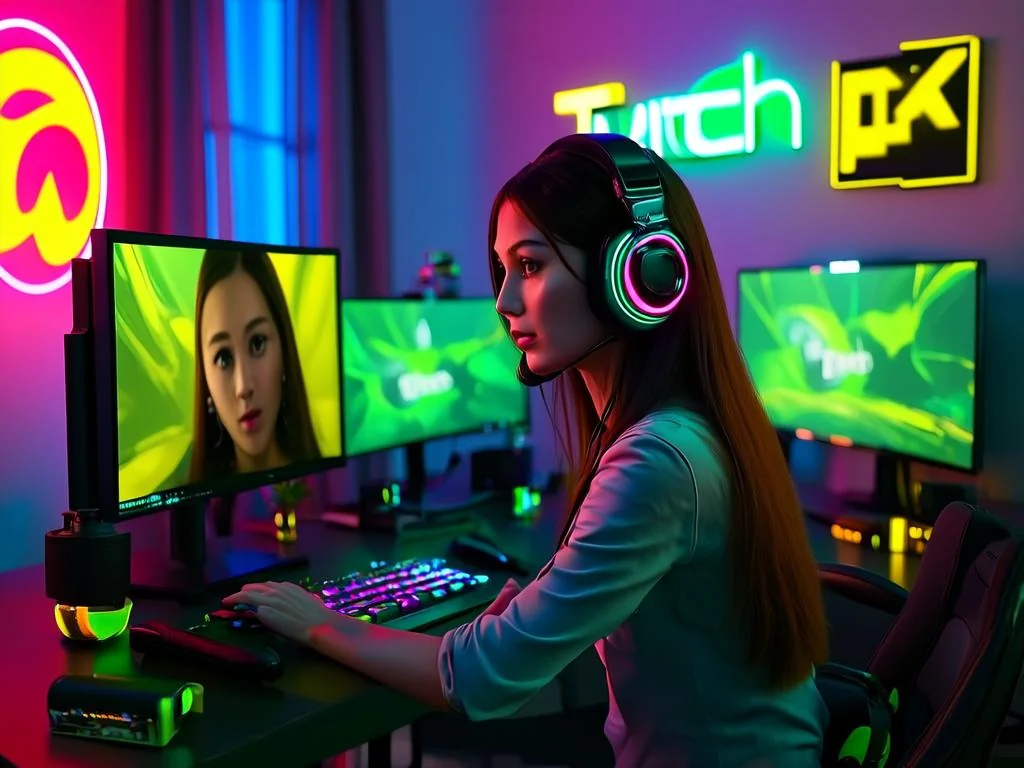 }
}
Beyond Plug-and-Play: Key Features to Prioritize
While simplicity is a core benefit, not all USB mics are created equal. To make an informed choice, consider these critical features:
- Polar Patterns: This describes how the microphone picks up sound from different directions.
- Cardioid: The most common and recommended pattern for solo streamers. It primarily picks up sound from directly in front of the mic, rejecting sounds from the sides and rear. Ideal for isolating your voice from background noise.
- Omnidirectional: Picks up sound equally from all directions. Useful for group discussions around a single mic, but generally not ideal for solo streaming in a noisy environment.
- Bidirectional (Figure-8): Picks up sound from the front and back, rejecting from the sides. Great for two-person interviews facing each other.
Prioritize a mic with a Cardioid pattern, or one that offers switchable patterns including Cardioid.
- Headphone Jack for Zero-Latency Monitoring: This is a non-negotiable feature. A headphone jack on the microphone itself allows you to hear your own voice *as it's being picked up by the mic*, without any delay. This is crucial for:
- Ensuring your voice isn't clipping (distorting).
- Adjusting your distance from the mic for optimal sound.
- Hearing how your voice sounds to your audience, allowing you to moderate volume and tone.
- Sample Rate and Bit Depth: While getting overly technical isn't necessary, aim for a mic that records at least 48kHz (kilohertz) sample rate and 24-bit depth. This is the broadcast standard and ensures high-quality audio capture without unnecessary compression or loss of detail.
- Build Quality and Included Accessories: A sturdy metal construction is preferable to plastic. Look for a mic that feels substantial. Consider what comes in the box:
- Integrated or Included Pop Filter: Essential for reducing harsh "p" and "b" sounds (plosives).
- Desktop Stand: A heavy, stable stand is better than a flimsy one. Many streamers eventually upgrade to a boom arm, but a good desktop stand is a fine starting point.
- Gain Control: A physical knob on the mic itself for adjusting input sensitivity is incredibly convenient.
Practical Scenario: Maya's Audio Transformation
Maya streams variety games and just started building a community. Her headset mic, while convenient for in-game chat, was holding her back. Viewers often commented that her voice was muffled, quiet, or sounded "like she was in another room." Maya, not wanting to deal with the technical hurdles or expense of an XLR setup, decided to invest in a quality USB microphone.
She chose a model with a built-in headphone jack, a cardioid polar pattern, and a solid desktop stand. The setup took minutes: plug it in, select it in her streaming software, and put on her headphones. Immediately, she could hear the difference. Her voice was clear, crisp, and present. She could monitor her own volume, preventing clipping. Her viewers noticed the change instantly, praising the improved sound quality. This simple upgrade allowed Maya to connect more effectively with her audience, boost her confidence, and focus entirely on creating engaging content, without needing to become an audio engineer overnight.
Community Pulse: Are USB Mics "Good Enough"?
A common thread among new and even some established creators is the question of whether a USB microphone is "professional enough" or if they'll "outgrow it" too quickly. While the highest-tier professional studios might opt for XLR setups for their flexibility in complex audio routing and pre-amp choices, the reality for the vast majority of streamers is far simpler.
The general consensus in the creator community is that a well-chosen USB microphone, used correctly, provides excellent broadcast-quality audio that is more than sufficient for YouTube, Twitch, podcasts, and most other online content. Many successful streamers have built large audiences using only USB microphones. The perceived need for an XLR setup often comes from a desire for "the best," without fully considering whether the practical benefits outweigh the added complexity and cost for their specific use case.
Think of it this way: a good USB mic is like a reliable, high-performance daily driver car. It gets you where you need to go efficiently and comfortably. An XLR setup, in many cases, is like a high-end sports car – incredible performance, but comes with more maintenance, higher costs, and often requires specific conditions to truly shine. For most people, the daily driver is the smarter, more practical choice.
What to Review Next: Keeping Your Audio Pristine Over Time
Even with the best USB microphone, consistent great audio requires a little ongoing attention. Here's what to check periodically:
- Mic Placement: This is arguably the most critical factor. Your mic should be close to your mouth (typically 4-8 inches), and ideally slightly off-axis (not pointing directly into your mouth) to reduce plosives. Don't let your mic drift too far away during a long stream session.
- Gain Settings: Periodically check your microphone's gain (input sensitivity) in your computer's sound settings or streaming software. Ensure it's high enough to capture your voice clearly but not so high that it clips or distorts when you get excited.
- Pop Filter/Windscreen: If your mic didn't come with one, invest in an external pop filter or a foam windscreen. These are inexpensive but dramatically improve sound quality by mitigating harsh "p" and "b" sounds.
- Room Acoustics: While you don't need a professional sound studio, even minor improvements can help. Soft furnishings (curtains, rugs, blankets, bookshelves) absorb sound and reduce echo. Avoid streaming in empty, hard-surfaced rooms.
- USB Cable Health: A damaged or loose USB cable can cause audio dropouts or buzzing. If you experience intermittent issues, try swapping out the cable.
- Software Updates: Some USB microphones come with companion software for advanced controls (EQ, noise gate). Keep this software and any drivers updated.
2026-03-18