You've seen them: streamers who look vibrant, dynamic, and integrated into their digital space, not just pasted on top of it. Often, the secret isn't just a better camera; it's a meticulously crafted lighting setup that goes beyond a single, frontal light source. If you're tired of looking flat, washed out, or like you're broadcasting from a dark cave, it's time to think about light as a sculpting tool, not just an illuminator.
Many creators start with a single ring light or a basic LED panel directly in front of them. While a step up from ambient room light, this approach often flattens features, creates harsh shadows behind you, and can lead to uncomfortable glare, especially for those wearing glasses. True "advanced" lighting isn't about buying the most expensive single fixture; it's about understanding how different types of lights interact to create depth, dimension, and a professional aesthetic.
The Three-Point Lighting Foundation (and Ring Light Realities)
At the heart of professional video and photography, including streaming, is the concept of three-point lighting. It’s a simple yet powerful framework for illuminating a subject in a way that gives them shape and separates them from the background. Think of it as painting with light.
- Key Light: This is your primary, strongest light source. It defines the main side of your face and sets the overall tone for your exposure. For streamers, it's typically placed at a 45-degree angle to one side of your face, slightly above eye level, pointing towards your monitor. This placement, as many creators have found, is crucial. As one community member noted, "A good lighting setup is to have your key light 45 degrees from your face (facing towards the monitor) can take it up to 60 degrees if you must." This off-center position creates natural shadows that give your face contour and depth.
- Fill Light: The fill light softens the shadows created by your key light. It's usually less intense than the key light and placed on the opposite side, also at an angle. Its purpose isn't to eliminate shadows entirely, but to lift them, ensuring details aren't lost in deep shade. This balance is what prevents your face from looking half-lit or overly dramatic.
- Back Light (or Hair Light): This light is positioned behind you, often slightly above, shining down onto your head and shoulders. Its job is to create a subtle rim of light that separates you from your background, adding even more depth and making you "pop" off the screen. Without it, you can blend into your environment, especially if your background is dark.
Now, where do ring lights fit into this? A ring light, by its nature, is designed to provide very even, frontal illumination, often wrapped directly around your camera lens. While excellent for vlogging or close-up beauty shots where shadow reduction is paramount, it inherently acts as a very direct key light. This can flatten your features and, as many streamers discover, cause significant eye strain or glare, especially if you wear glasses. One creator put it bluntly: "I personally just dislike ring lights and try to bounce light off of my wall. You literally are shining a light into eyes for an extended period of time."
If you prefer using a ring light, or if it's your primary light source, consider it your key light and then integrate a fill and potentially a back light to add dimension. For those who do use them, remember the advice to "use a ring that has a larger diameter - there will be more light from the sides and not so much directly from the front." This can help mitigate some of the harsh directness and reduce glare issues for glasses wearers.
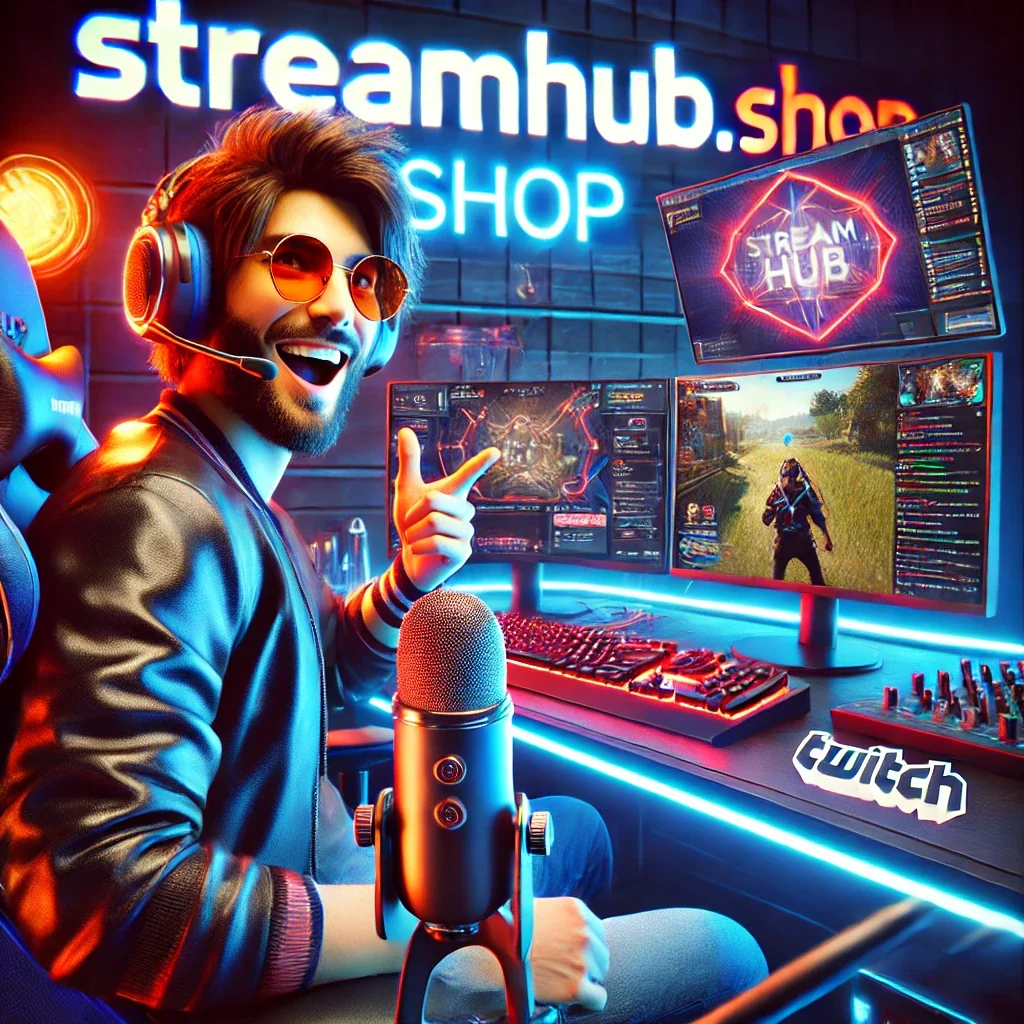
What This Looks Like in Practice: The "Small Studio" Scenario
Let's consider Maya, a gaming streamer with a dedicated corner in her apartment. She started with a small, clip-on ring light that left her looking a bit flat and shiny, with harsh reflections in her glasses. Here’s how she upgraded to a three-point setup:
- Key Light Upgrade: Maya replaced her small ring light with a softbox LED panel. She positioned it about three feet to her left, angled at 45 degrees towards her face, slightly above her eye line. This immediately created a more natural shadow on the right side of her face, giving her features definition.
- Fill Light Addition: On her right side, about four feet away and slightly lower than the key light, she placed a smaller LED panel set to half the brightness of her key light. She aimed it to gently lift the shadows created by her key light, softening them without eliminating them entirely.
- Back Light for Separation: Behind her, mounted on a small stand, she placed a third, low-power LED light, aimed at the back of her head and shoulders. This created a subtle halo effect, making her stand out from her dark gaming chair and wall, adding a professional "pop."
- Ring Light Re-purpose: Instead of ditching her old ring light, Maya now uses it occasionally as an accent light for product showcases or, when set to very low brightness and diffused, as a subtle "eye light" to add a glint in her eyes without being her primary illumination source.
The result? Maya went from looking two-dimensional to having a polished, professional presence, with depth and natural-looking contours that captivated her audience more effectively.
Community Pulse: Balancing Brightness and Comfort
A recurring theme in streamer forums and community discussions around lighting isn't just about looking good, but feeling good. Many creators highlight the fatigue that comes with prolonged exposure to intense, direct lighting. The sentiment often boils down to finding a balance between sufficient illumination for the camera and personal comfort.
Concerns frequently pop up about eye strain from direct ring lights, especially during long streaming sessions. Creators often share tips about diffusing lights, experimenting with warmer color temperatures to reduce harshness, and strategically bouncing light off walls or ceilings instead of shining it directly. There's a strong preference for soft, even illumination over raw brightness. Many streamers prioritize adjustability – brightness, color temperature, and diffusion – to tailor their setup not just for the camera, but for their own well-being during hours of content creation.
Refining Your Glow: A Setup and Review Checklist
Achieving that perfect, layered look takes experimentation. Use this checklist as you set up and refine your advanced lighting:
- Key Light Placement: Is it 45 degrees to one side, slightly above eye level, pointing towards you?
- Key Light Brightness & Color: Is it bright enough to expose your face well, and is the color temperature (warm/cool) appropriate for your brand?
- Fill Light Placement: Is it on the opposite side of your key, angled to soften shadows without removing them?
- Fill Light Brightness: Is it noticeably less intense than your key light (e.g., 50-70% of key brightness)?
- Back Light Placement: Is it behind you, separating you from the background? Check for unwanted glare on hair or shoulders.
- Back Light Intensity: Is it subtle enough not to create a distracting halo or blow out details?
- Shadow Check: Are there any harsh shadows on your face, behind you, or under your chin? Adjust angles or add diffusion.
- Glare Check (Glasses): If you wear glasses, are there distracting reflections? Try adjusting light angles or moving lights further away.
- Eye Comfort: Is the overall setup comfortable for extended periods? Reduce intensity or add diffusion if needed.
- Background Illumination: Does your background also have some light? A little ambient light can prevent it from looking like a black void.
- Camera Settings: Is your camera's white balance adjusted to your lights' color temperature? (e.g., if you use warmer lights, set white balance accordingly).
What to Review Next: Adapting to Your Evolving Space
Lighting isn't a "set it and forget it" component. As your streaming setup evolves, so too should your lighting strategy. Regularly review these elements:
- Content Changes: Are you starting new types of content (e.g., interviews, product reviews, different games)? Each might benefit from slight adjustments to highlight specific elements or moods.
- New Gear: Upgrading your camera, microphone, or even your monitor can impact how light interacts with your scene. A new monitor, for instance, might cast a different color or brightness onto your face.
- Environmental Shifts: Did you move your desk? Get new curtains? Even subtle changes in your room's ambient light or decor can necessitate recalibrating your setup. Seasonal changes in natural light can also play a role.
- Audience Feedback: Pay attention if viewers comment on your appearance. Are you too dark? Too bright? Are shadows distracting? Your audience can be an invaluable, if sometimes blunt, focus group.
- Personal Comfort: After long streaming sessions, are your eyes strained? Do you feel fatigued? Prioritize your health by making adjustments for comfort. Sometimes, simply dimming a light slightly or adding another layer of diffusion can make a huge difference. Consider lights that offer easy remote control or app integration for quick adjustments during a stream.
2026-03-10