Streamer Blog Design Stream Overlay Design: Creating Professional Looking Streams

Stream Overlay Design: Creating Professional Looking Streams

Also useful: Stream Overlays and Alerts: Design Guide for Beginners

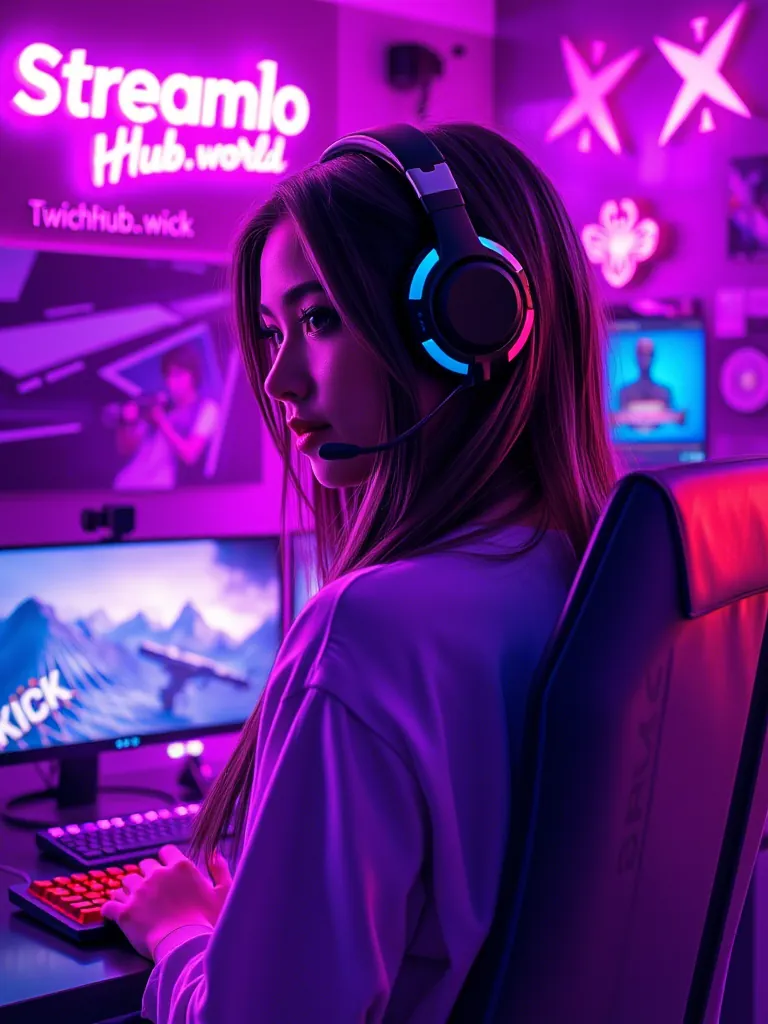
First impressions matter. Your overlay is part of your brand.
Essential Elements

  • Clean webcam frame
  • Recent follower/sub display
  • Chat box (if applicable)
  • Alert area

Design Rules

  1. Do not cover gameplay
  2. Match your brand colors
  3. Keep it simple
  4. Make text readable

Free Resources

  • Canva templates
  • StreamElements free overlays
  • Nerd or Die free packs

Great Overlay + Great Discovery

Best design means nothing if nobody sees it. streamhub.shop helps get viewers to your professionally designed stream.

About the author

StreamHub Editorial Team — practicing streamers and editors focused on Kick/Twitch growth, OBS setup, and monetization. Contact: Telegram.

Next steps

Explore more in Design or see Streamer Blog.

Ready to grow faster? Get started or try for free.

Telegram