Your overlay is your stream's visual brand. Get it right and you look professional. Get it wrong and you look amateur.
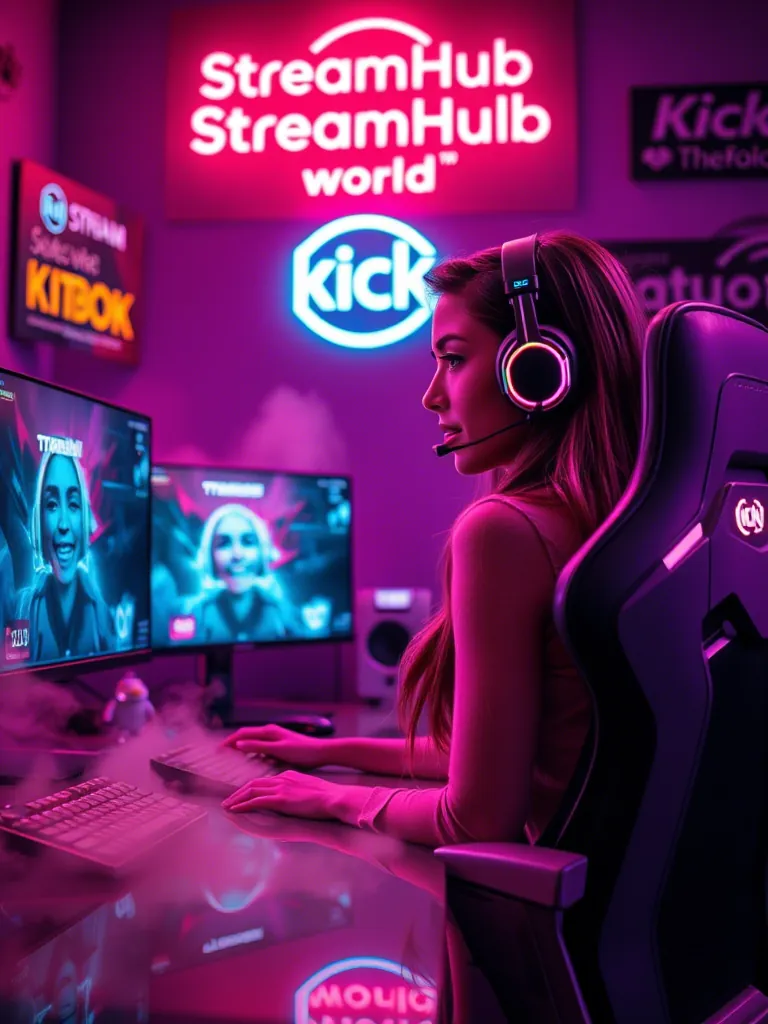
Essential Elements
- Webcam frame — Clean border around your face
- Recent events — Latest follow/sub/donation
- Chat box — Optional, for viewers without second screen
- Social handles — Subtle, not dominating
Design Principles
- Less is more — Don't cover gameplay
- Consistent theme — Colors match your brand
- Readable fonts — No fancy scripts
- Quality assets — No pixelated images
Free Tools
- Canva — Easy overlay creation
- StreamElements — Free overlay templates
- OWN3D — Free and premium options
- Nerd or Die — Quality free packs
Alerts
Alerts notify you of new followers, subs, donations:
- Keep audio reasonable
- Animation duration: 3-5 seconds
- Match overlay theme
Beyond Graphics
Great graphics mean nothing without viewers. Pair your professional look with visibility tools like streamhub.shop for viewer boosting.