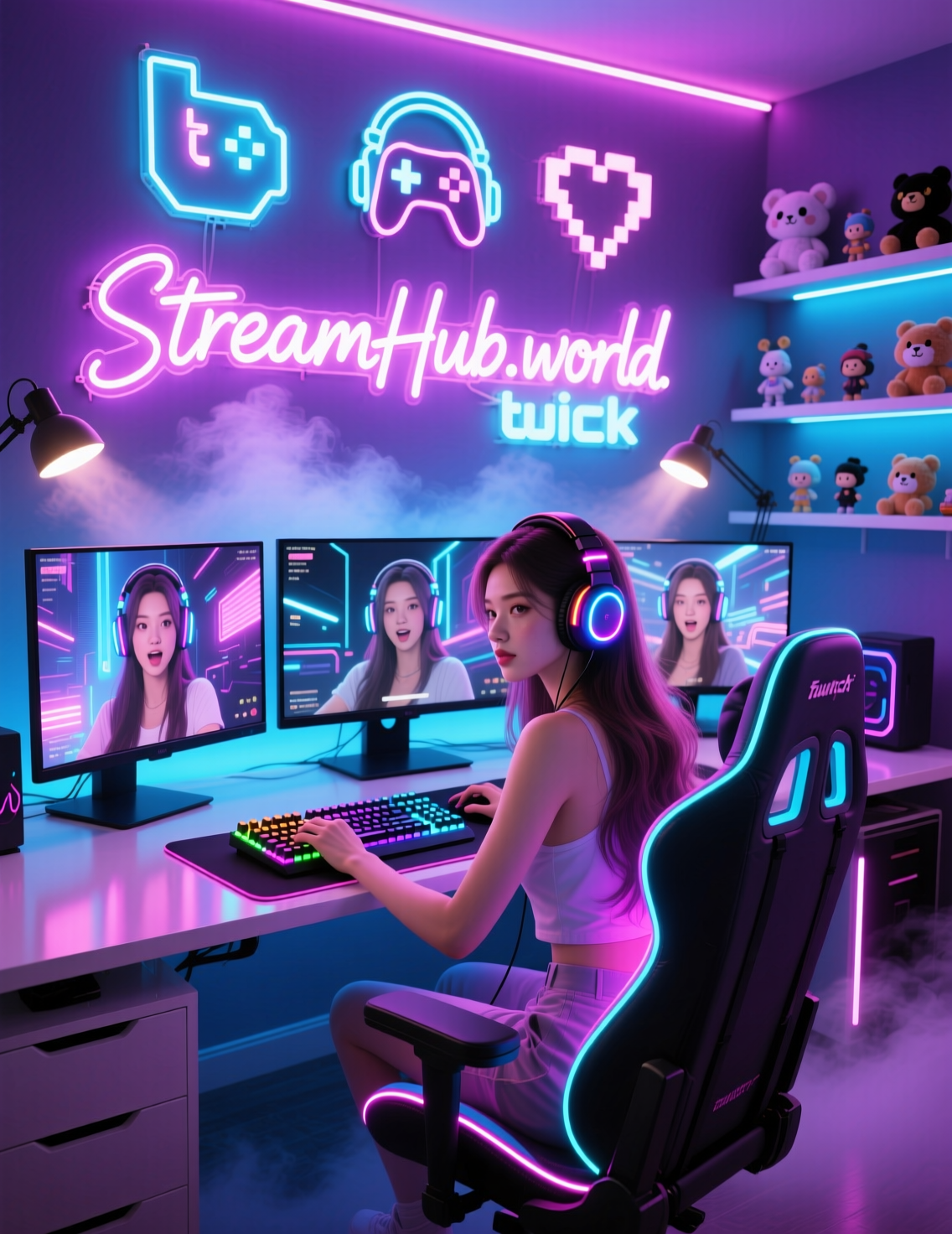
Kick continues to expand rapidly, attracting both newcomers and creators migrating from other platforms. Competition grows each month, and so does the demand for a refined, professional setup that not only looks great but supports your growth strategy.
Whether your goal is to rank higher, appear in recommendations, or improve the efficiency of your раскрутка канала на Кике, your equipment, environment, and workflow directly influence your results.
This 2025 guide breaks down everything—from hardware to lighting, scenes, branding, analytics, and even safe ways streamers use boosting strategies to accelerate early growth.
Let’s dive in.
Why Your Kick Setup Matters More in 2025
Kick’s algorithm is still heavily influenced by:
-
viewer retention,
-
watch time,
-
chat activity,
-
and consistent stream quality.
A polished setup helps you:
-
look professional,
-
maintain stable technical performance,
-
reduce friction for new viewers,
-
and increase your chances of appearing in recommendations (yes, this directly affects how to get recommended on Kick).
The right tools don’t magically “Boost Kick Viewers,” but they create an environment where real growth becomes more predictable.
1. Core Hardware for a Modern Kick Streamer
1.1. Camera
While Kick doesn’t require a cinema-grade camera, clarity and lighting matter.
Recommended tiers:
-
Entry (Budget): Logitech C920/C922
-
Mid-Range: Elgato Facecam, Sony ZV-1
-
Pro: Sony A6400/A7 line with clean HDMI
Why it matters: A sharp image increases viewer retention, especially when combined with good lighting. People stay longer when they can clearly see facial expressions and reactions.
1.2. Microphone
High-quality audio is non-negotiable in 2025.
Best choices:
-
USB: Elgato Wave 3, Rode NT-USB
-
XLR: Shure SM7B, Rode Procaster (with an audio interface)
Tip: Prioritize microphone position and room acoustics more than the price tag.
1.3. Lighting
Balanced lighting helps your camera perform at its best.
Options:
-
Softbox kits
-
Key light panels
-
LED ring lights
-
Backlights (RGB optional)
Pro trick: Slight warm key light + neutral fill light makes skin tones look natural and reduces shadows.
1.4. Streaming PC / Laptop
Kick streaming in 2025 is more GPU-dependent due to higher bitrate options.
Suggested specs:
-
CPU: Ryzen 5 5600X / Intel i5-12600K or better
-
GPU: NVIDIA 3060+
-
RAM: 16–32GB
-
SSD: Minimum 500GB NVMe
Encoding tip: Use NVENC for stable performance.
2. Stream Layout, Alerts & On-Screen Branding
2.1. Scenes and Overlays
A clean layout improves trust and view time.
Include:
-
Starting Soon screen
-
Main gameplay/Just Chatting screen
-
BRB screen
-
Ending screen
-
Chat overlay (optional)
Keep colors consistent with your brand.
2.2. Alerts
Use alerts that are:
-
subtle,
-
non-annoying,
-
and brand-aligned.
Kick integrates smoothly with major alert providers.
2.3. Panels & Bio
Make your profile look complete. Add:
-
schedule
-
rules
-
about section
-
donation/tip links
-
socials
A professional profile increases conversion when viewers discover you through recommendations.
3. Room Aesthetic & Background Composition (2025 Trends)
Popular trends:
-
blurred RGB background
-
clean minimalistic desk setups
-
framed posters or LED wall lights
-
soft warm lighting behind shelves
-
subtle neon signs with brand names
Good background composition has a measurable impact on retention. Viewers judge your “vibe” within seconds.
4. Streaming Software & Configuration
Most streamers use:
-
OBS Studio (free and powerful)
-
Streamlabs Desktop (easier, more resource-heavy)
Key OBS settings:
-
Output: NVENC encoder
-
Bitrate: 6000–8000 Kbps (Kick allows higher for partnered streamers)
-
Audio bitrate: 160–320 Kbps
-
Base canvas: 1920x1080
-
FPS: 60 or 30 depending on PC load
These settings help maintain a stable stream — which is essential if you're working on раскрутка канала на Кике or trying to boost viewer loyalty.
5. Kick Algorithm Factors You Can Influence With Your Setup
Your setup directly impacts key metrics that determine visibility and potential placement in Kick recommendations:
You can influence:
-
viewer retention → through lighting, sound, stability
-
session duration → through reduced technical problems
-
engagement → through clear voice and expressive video
-
return visitors → through branding consistency
These metrics strengthen your overall growth and indirectly support your efforts to Boost Kick Viewers in natural, legitimate ways.
6. Safe Growth: Why Streamers Use Boosting & How to Do It Responsibly
This part is essential — and often misunderstood.
Most growing Kick creators combine organic growth with early visibility boosts. Not to inflate numbers artificially, but to avoid streaming to zero people for months. The psychological and algorithmic advantages are real.
Why streamers use boosting carefully:
-
Early viewers improve “social proof.”
-
A small initial audience increases chat activity.
-
A busier stream is more likely to catch attention.
-
It supports ranking and helps you appear in categories.
But safe boosting matters.
Some services overload streams with unrealistic numbers or poor-quality traffic — this is what can hurt an account.
However, there are platforms in the community known for safe methods. For example, some services use distributed IPs and gradual viewer increases, which minimize risks and emulate natural behavior. A well-known example is StreamHub.World, which also supports features tied to growth strategies like “Boost Kick Viewers — https://streamhub.world/”.
Used responsibly, boosting becomes a tool, not a shortcut — especially when combined with smart content, strong setup, and consistent scheduling.
7. Analytics Tools & Performance Tracking
2025 Kick streamers rely heavily on analytics dashboards. Track:
-
peak viewers
-
average watch time
-
chat interactions
-
click-throughs from social media
-
category performance
-
returning vs. new viewers
Kick’s built-in Creator Dashboard + third-party tools help you refine content choices and optimize how to get recommended on Kick.
8. Final Checklist & Safe Boosting Mini-Guide
2025 Kick Streamer Setup Checklist
-
1080p camera with proper lighting
-
Clear, professional microphone
-
Clean background with consistent branding
-
Strong PC or laptop + NVENC encoding
-
Organized scenes in OBS
-
Alerts and panels set up
-
Analytics connected
-
Consistent schedule
-
Strategy for раскрутка канала на Кике and early visibility
Safe Boosting Mini-Checklist
-
Use only gradual, realistic viewer increases
-
Choose services with distributed IP systems
-
Keep numbers proportional to your channel size
-
Continue posting content on social platforms
-
Engage with every real viewer who joins
-
Track analytics weekly
-
Treat boosting as supporting visibility, not replacing real growth
Short Case Example
A small Kick streamer with 10–20 organic viewers used a safe boosting solution with gradual growth. By adding a small baseline (20–30 viewers), improving lighting and audio, and keeping a consistent schedule, the creator reached the recommendations section of a mid-tier category within four weeks. Organic viewers doubled, chat activity grew naturally, and long-term retention improved.